PLAYSTATION
How To Connect A PS5 Controller To iPad
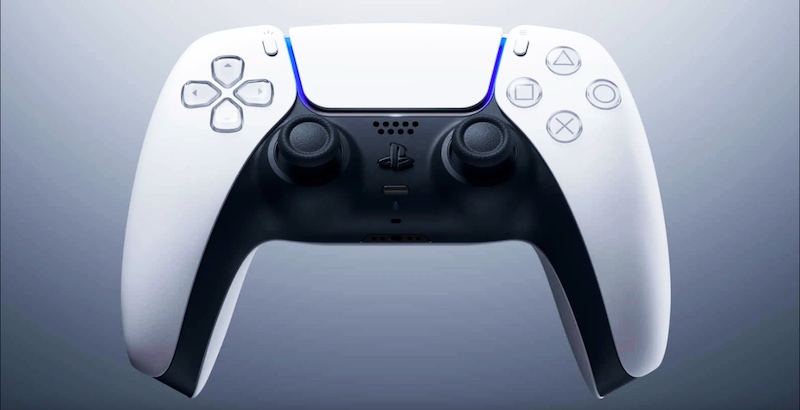
How To Connect PS5 Controller To iPad, Can You Connect PS5 Controller To iPad, Connect DualSense Controller To iPad. The PS5 DualSense controller is an impressive piece of kit, offering increased immersion for players thanks to its use of adaptive triggers and haptic feedback. More importantly, it can also connect to multiple devices, including PC, iPhone, AirPods and more. However, a lot of people are still asking how you connect a PS5 controller to iPad, and we have the answer. Read our handy guide below!
How To Connect PS5 Controller To iPad
- Open the settings application on your iPad (grey cog icon) and make sure your DualSense controller is charged and turned off
- Tap the Bluetooth option at the top of the screen.
- Press and hold the PS and Create button on the DualSense controller simultaneously. This will cause the light bar to flash, and the controller will activate pairing mode
- Tap your controller name on the iPad, which should be listed under Other Devices (if you haven’t paired a controller before). This will connect the PS5 pad, and should display’ Connected’ next to your controller name.
- If you’re having problems, make sure your DualSense is turned off and not connected to your PS5. Also, be sure it has sufficient battery life.