Gear Review: VITURE Mobile Dock Mini for Nintendo Switch and Nintendo Switch 2
Note: Be sure to also check out our other VITURE gear reviews:
- VITURE Luma Ultra XR/AR Glasses
- VITURE Beast XR Glasses
- VITURE Pro 2 XR Glasses
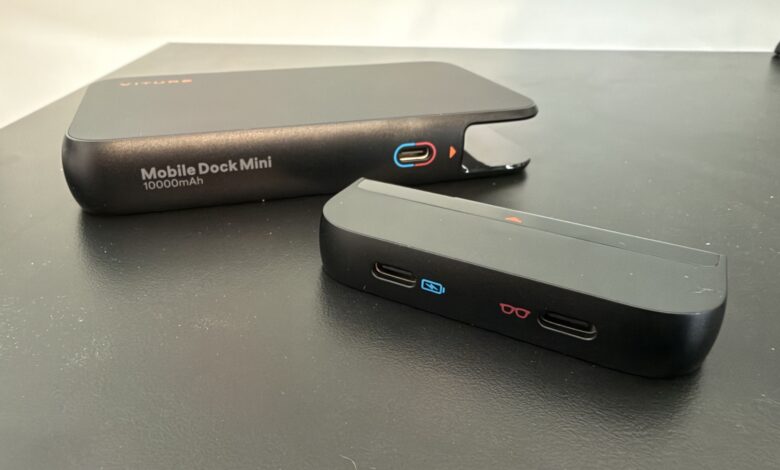
VITURE just released the Mobile Dock Mini which is a more compact version of their VITURE Pro Mobile Dock. As you can see from some of our size comparison shots, it’s a pretty noticeable difference. Let’s dive into some of the key features and differences with the Mobile Dock Mini.
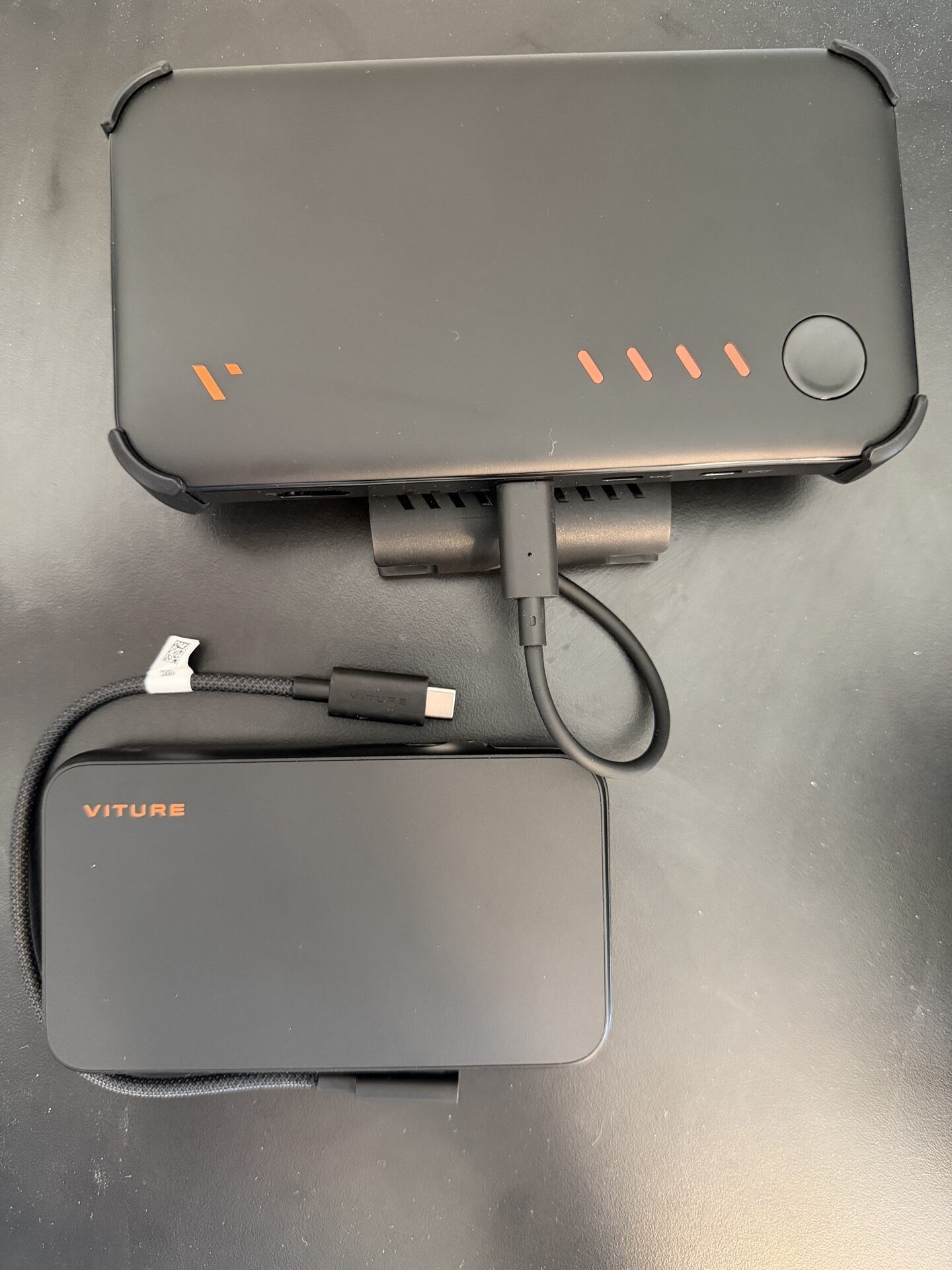
VITURE Mobile Dock Mini with Pro Mobile Dock
Starting off, the Mobile Dock Mini is meant for ‘solo’ play so it won’t support driving two pairs of VITURE XR glasses like the Pro Mobile Dock. That’s the main caveat but otherwise, the Mobile Dock Mini has quite a few benefits over the Pro Mobile Dock. It is about 34% smaller and 30% lighter and features a 10,000 mAh battery (compared with the 13,000 mAh in the Pro Mobile Dock). There are still LED indicator lights to indicate the level of charge for the battery in the Mobile Dock Mini. It also comes with a magnetic attachment plate that can adhere to the back of a Switch 1 or Switch 2 console. There is a nice alignment guide that comes with it as well to make sure you get it attached nicely. It does warn that the adhesive works best if you get it on the first try rather than trying to remove and re-attach it. The good news is once it’s attached, it still fits nicely in the Switch 1 or Switch 2 docks. When you’re ready to play on the go with your choice of VITURE XR glasses, just simply pull the Switch 1 or 2 out of its dock and magnetically attach the Mobile Dock Mini and you’re good to go. There is an included small USB-C cable to attach to the Switch 1 or 2’s lower USB-C port.
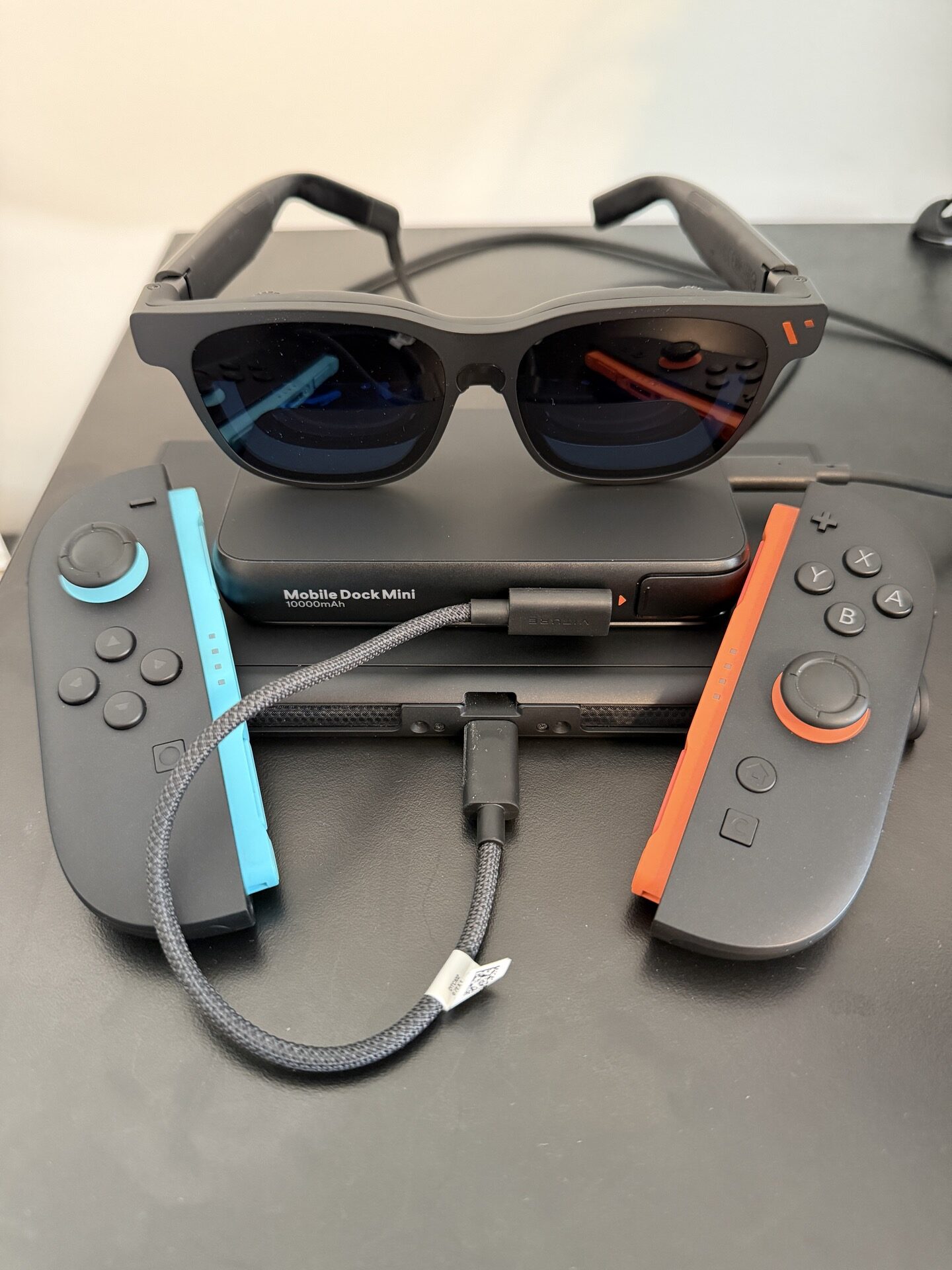
VITURE Mobile Dock Mini with a Nintendo Switch 2 and Pro 2 XR Glasses and Joy Con 2 controllers
The Mobile Dock Mini also allows for a piece to be removed that contains the XR glasses output and another power USB-C output to connect to a mobile phone to allow for gaming/content on the go. It’s not necessarily a feature related to Switch or Switch 2 gaming but it’s a nice addition if you want to enjoy a video playing from your phone on your XR glasses in between sessions of Switch / Switch 2 games.
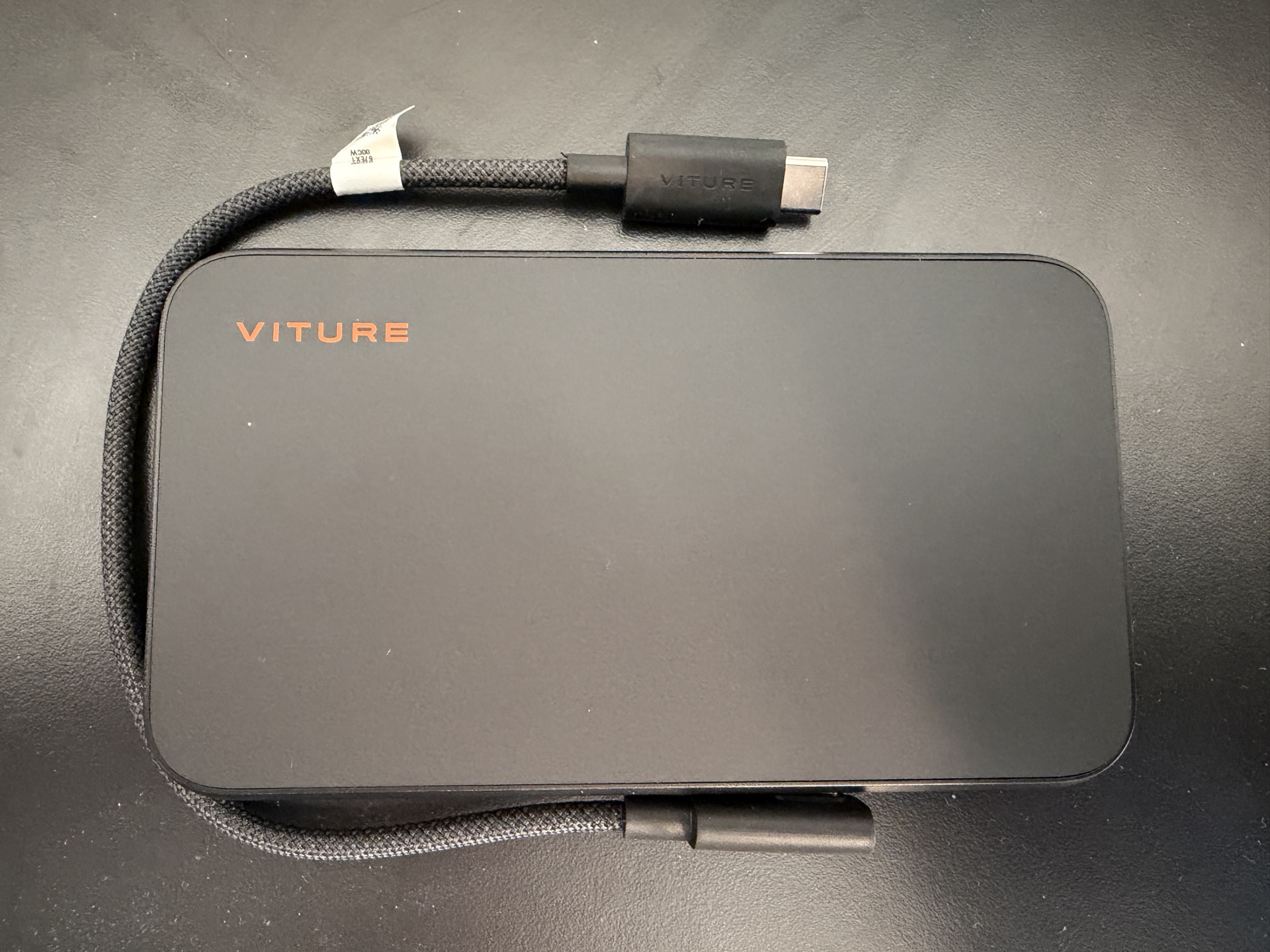
VITURE Mobile Dock Mini
I’ve enjoyed my time with the Mobile Dock Mini so far. It is a nice, pocketable size that does make the setup a bit nicer on the go if you’re looking for a little less to carry in your travel bag. I do wish there was an alternative to the adhesive though for attaching it. The Pro Mobile Dock had a nice attachment piece with a way to adapt to a Switch 1 or 2. If they could’ve had another attachment for the Mobile Dock Mini to connect to that ‘clip’, that would’ve been nice. I’m not the biggest fan of adhesives on my devices as I typically upgrade/re-sell down the road. It is a minor issue all things considered but something to consider. For $99, the Mobile Dock Mini is $30 cheaper than the Pro Mobile Dock so if you’re in the market for it, it won’t set you back that much at all.
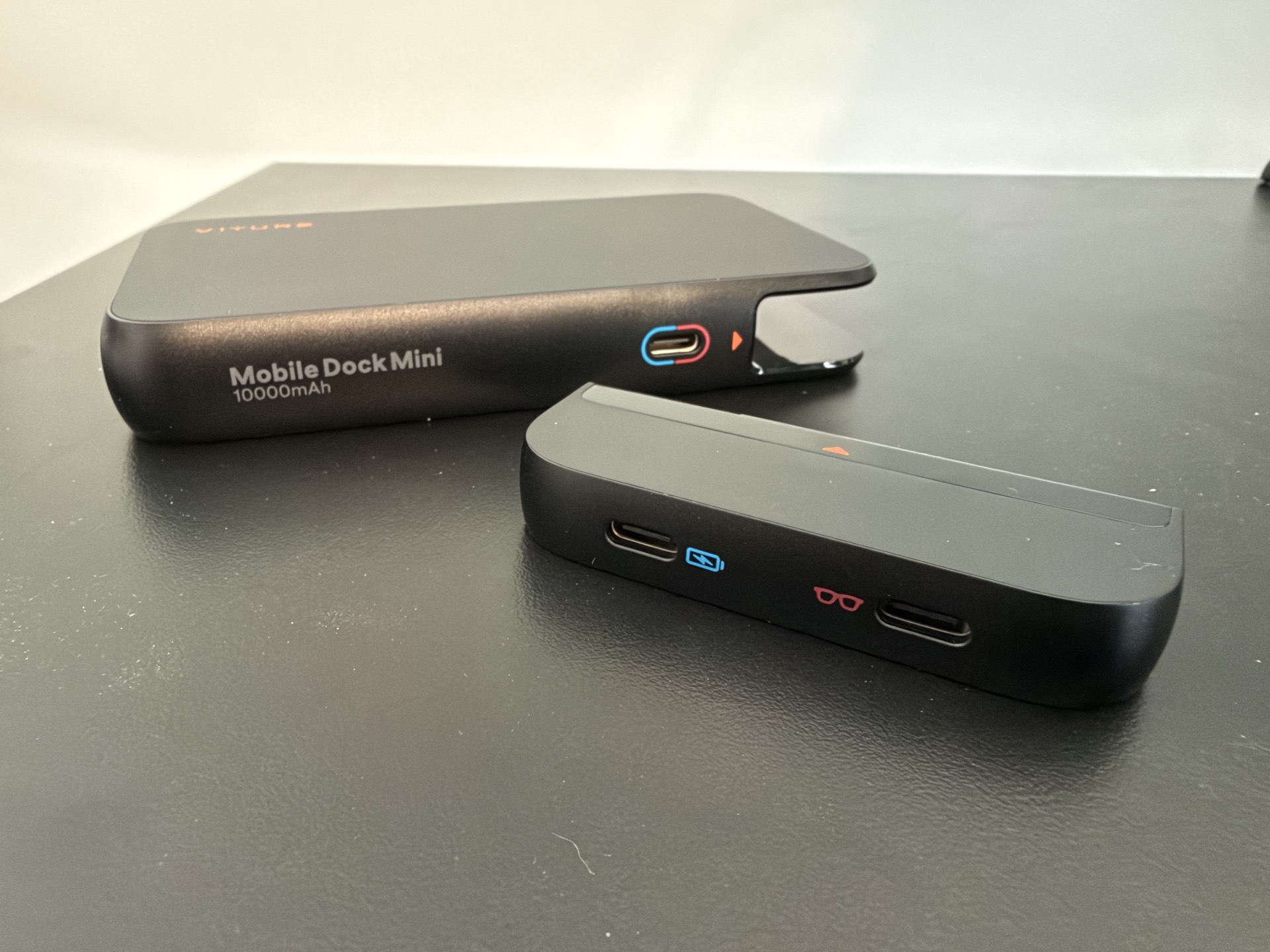
VITURE Mobile Dock Mini with adapter detached
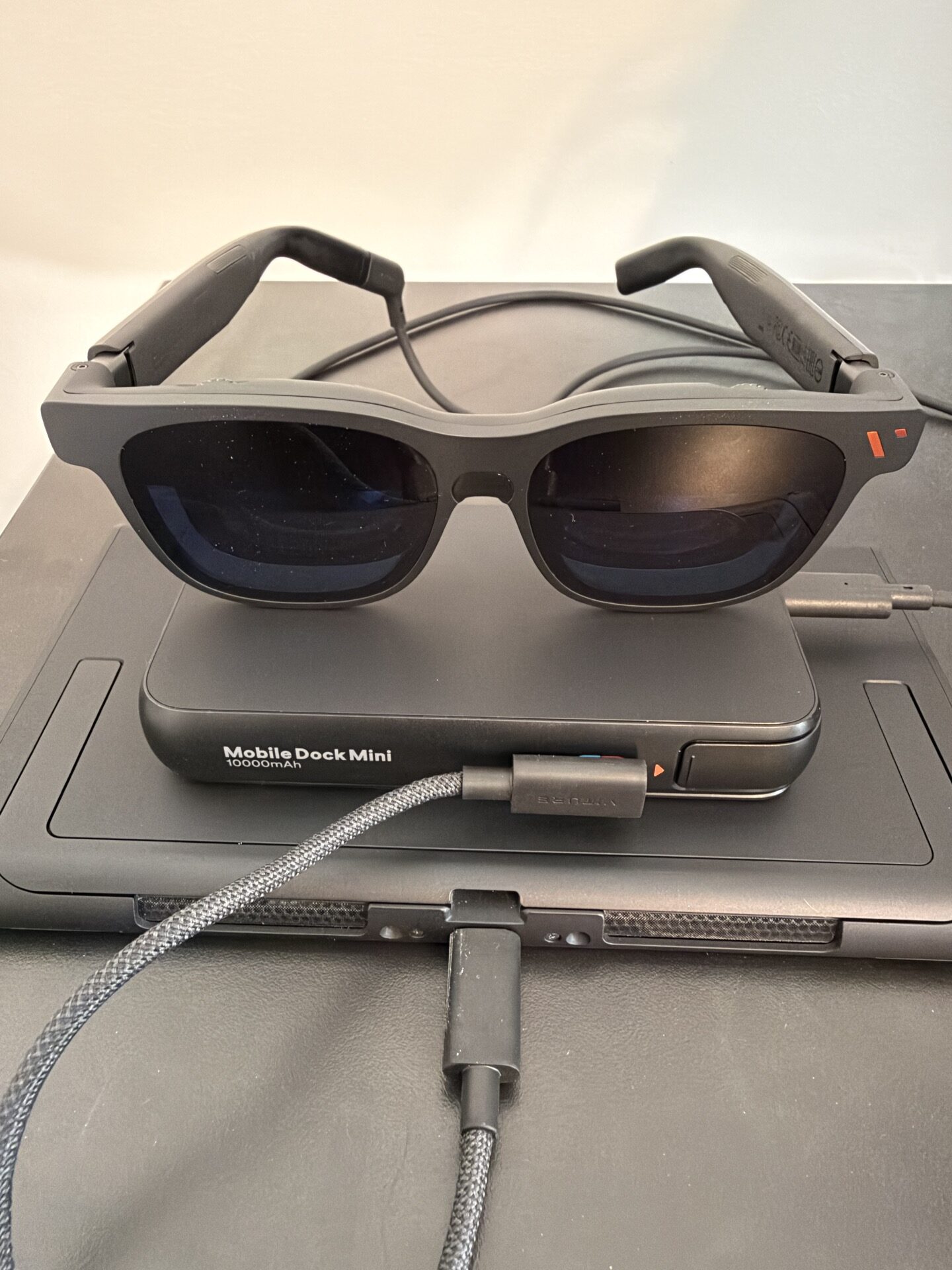
VITURE Mobile Dock Mini with a Nintendo Switch 2 and Pro 2 XR Glasses
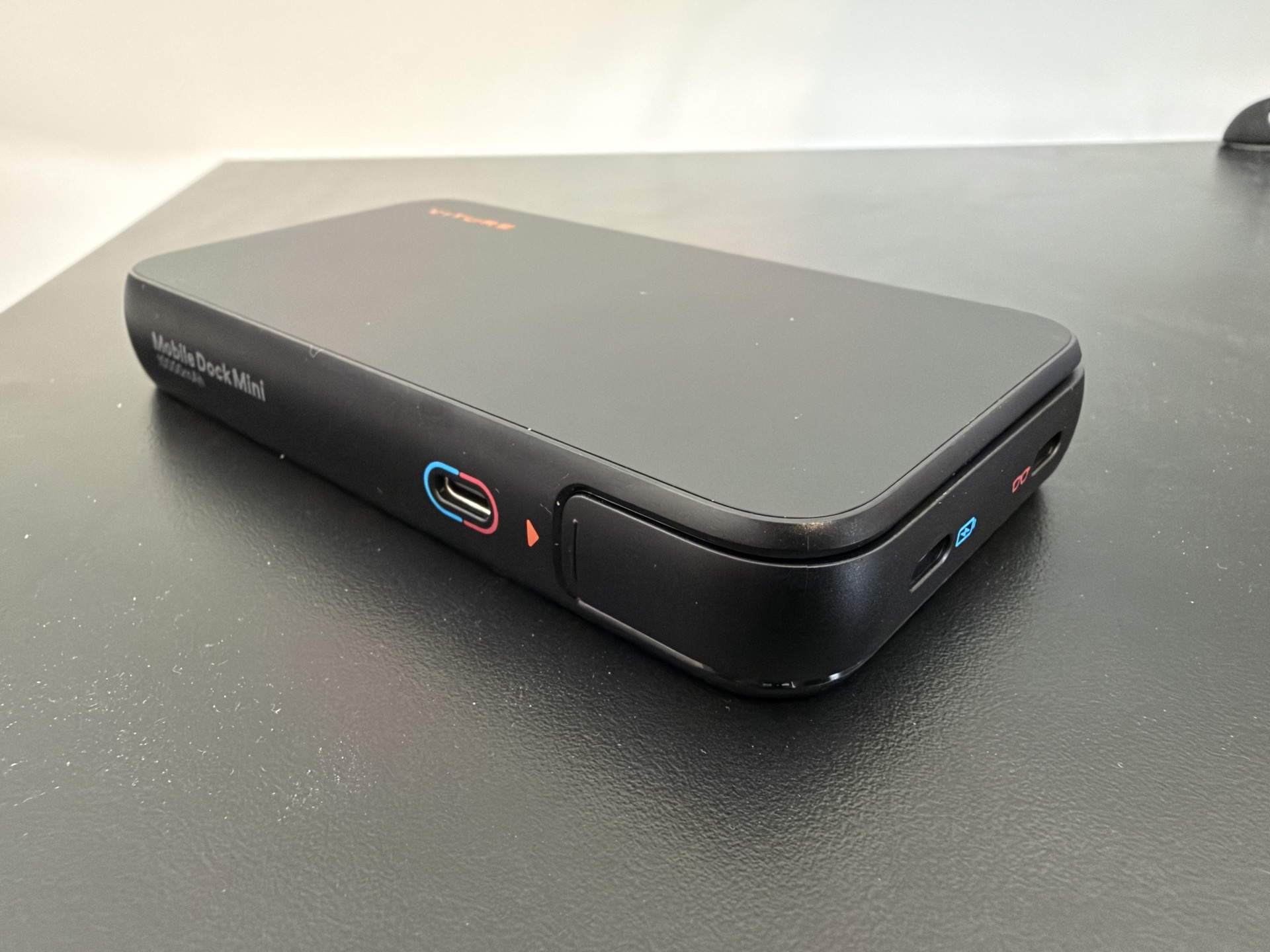
VITURE Mobile Dock Mini side
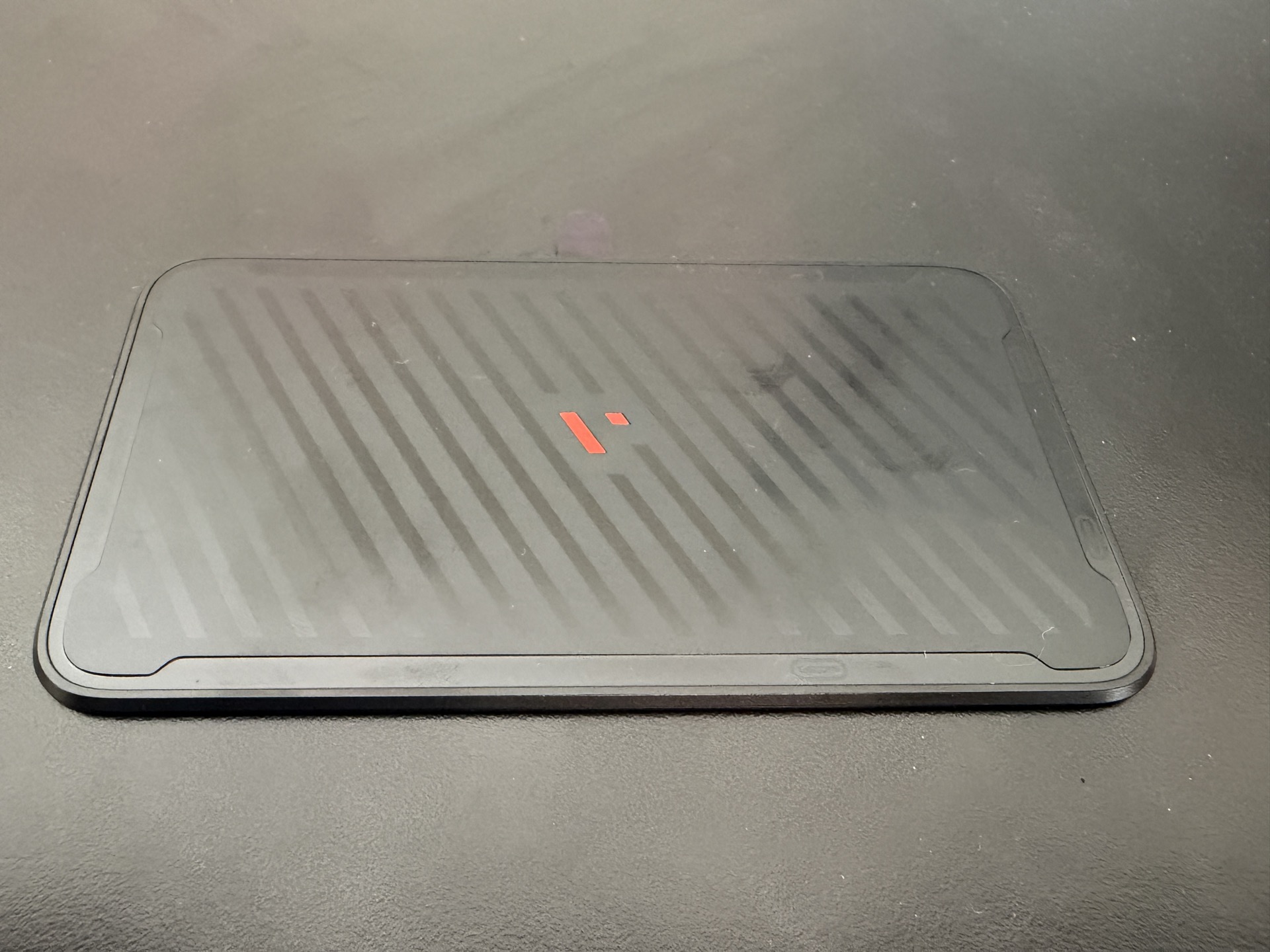
VITURE Mobile Dock Mini Magnetic attachment plate
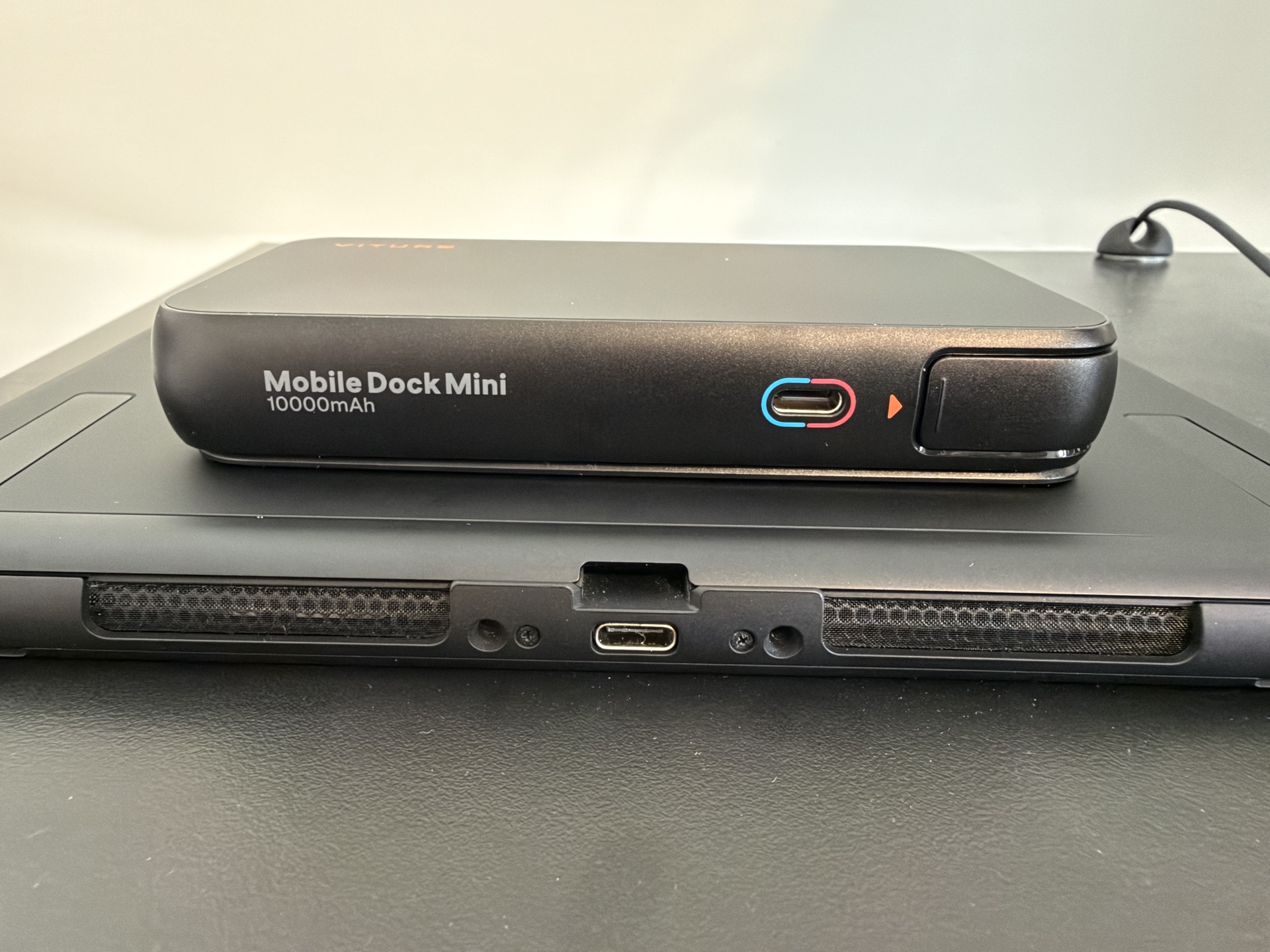
VITURE Mobile Dock Mini Attached to a Nintendo Switch 2
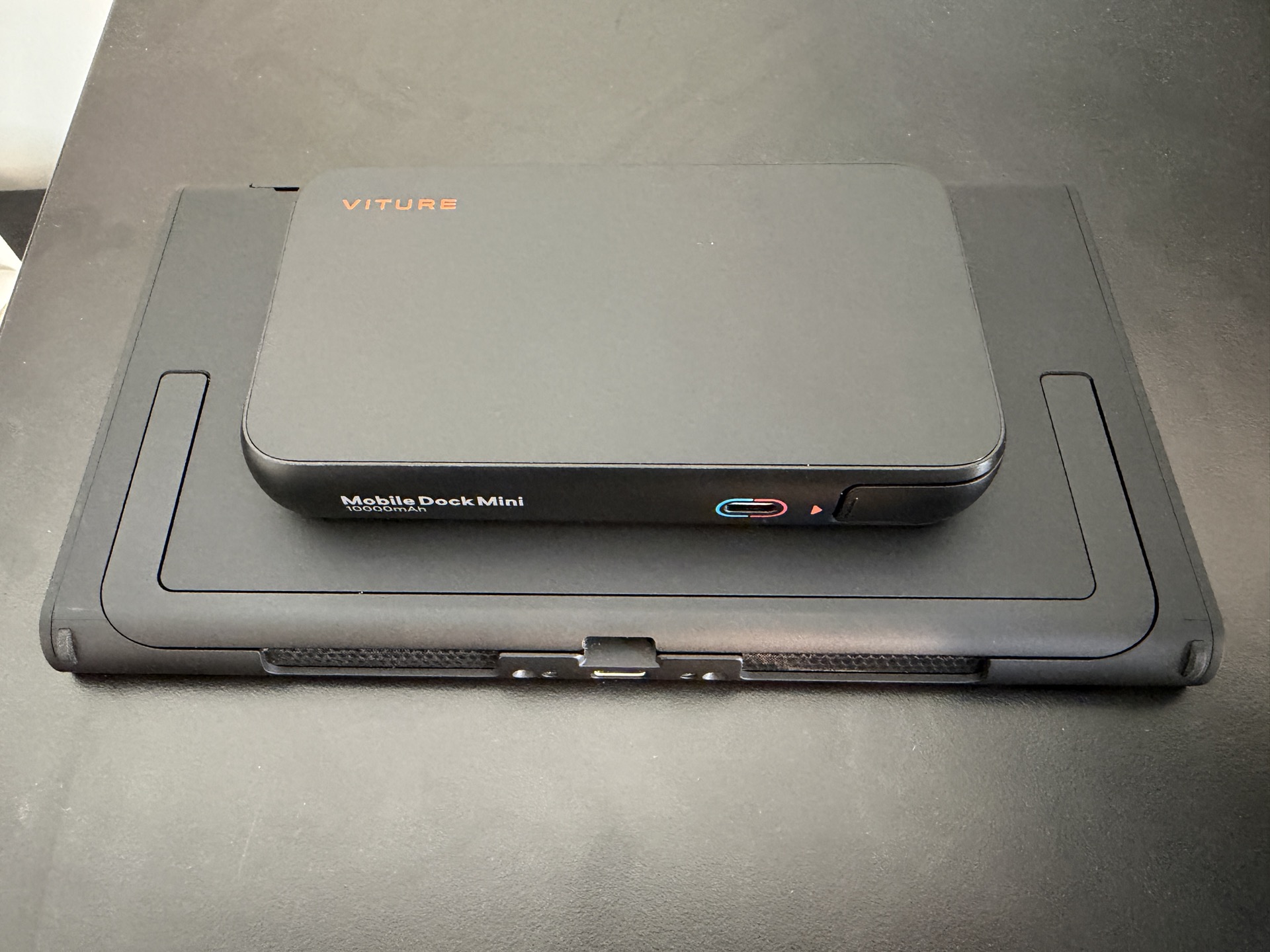
VITURE Mobile Dock Mini Attached to a Nintendo Switch 2 from above