Do Not Stop codes November 2026
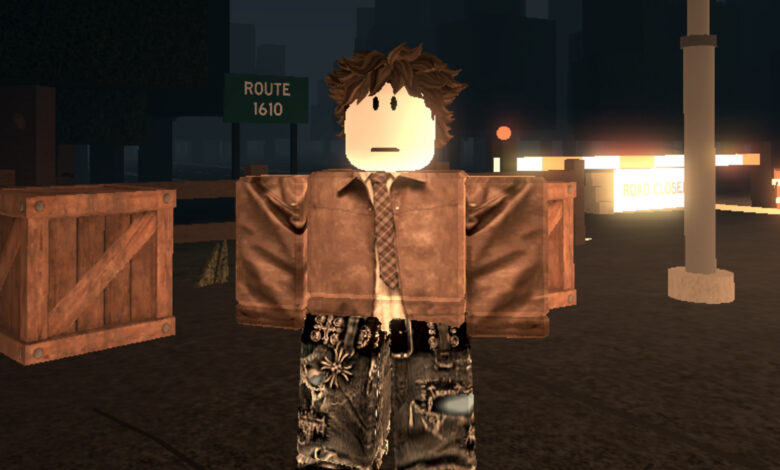
While in some situations in life, you might be punished for driving too quickly, this Roblox game needs you to put the pedal to the metal. As long as you’re armed with Do Not Stop codes and a fearlessness in your heart, you’ll be just fine.
Codes offer credits for you to redeem, which you can use to pick up crates. Inside those crates, skins, accessories, and more are available to pick up, so it’s important you save up so you can speed away in style.
Here are all the new Do Not Stop codes:
- LASTSTOP – 250 credits
- DONOTSTOP – 200 credits
- ROUTE1610 – 150 credits
- RELEASE – 250 credits
There are Roblox games to redeem freebies in, so head to our list of Roblox codes for more.
How do I redeem Do Not Stop codes?
In case you missed it, here’s how to redeem Do Not Stop codes:
- Launch Do Not Stop in Roblox
- Open the shop on the right-hand side of the screen
- Tap on the ‘codes’ tab
- Enter the code in the box provided and hit ‘redeem’
- Find out what you got!

Why aren’t my Do Not Stop codes working?
If you’re having problems with redeeming your codes, make sure you’ve copied text exactly as it appears on the list above, with no accidental extra spaces, and with the correct capital letters. If you make a mistake, you might get an error message, and the other reason codes may not work is because they’re expired. While we do our best to make sure this doesn’t happen, we make mistakes sometimes. Rest assured we’ll be back soon with more codes for you.
Is there a Do Not Stop Discord server?
Yes, there is. Click here to join it and become a member of the community. This allows you to find a duo to share the driving with, as well as getting all the announcements about the game pinged straight to your notifications. You’ll never miss a thing.