
Seagate FireCuda X Vault review
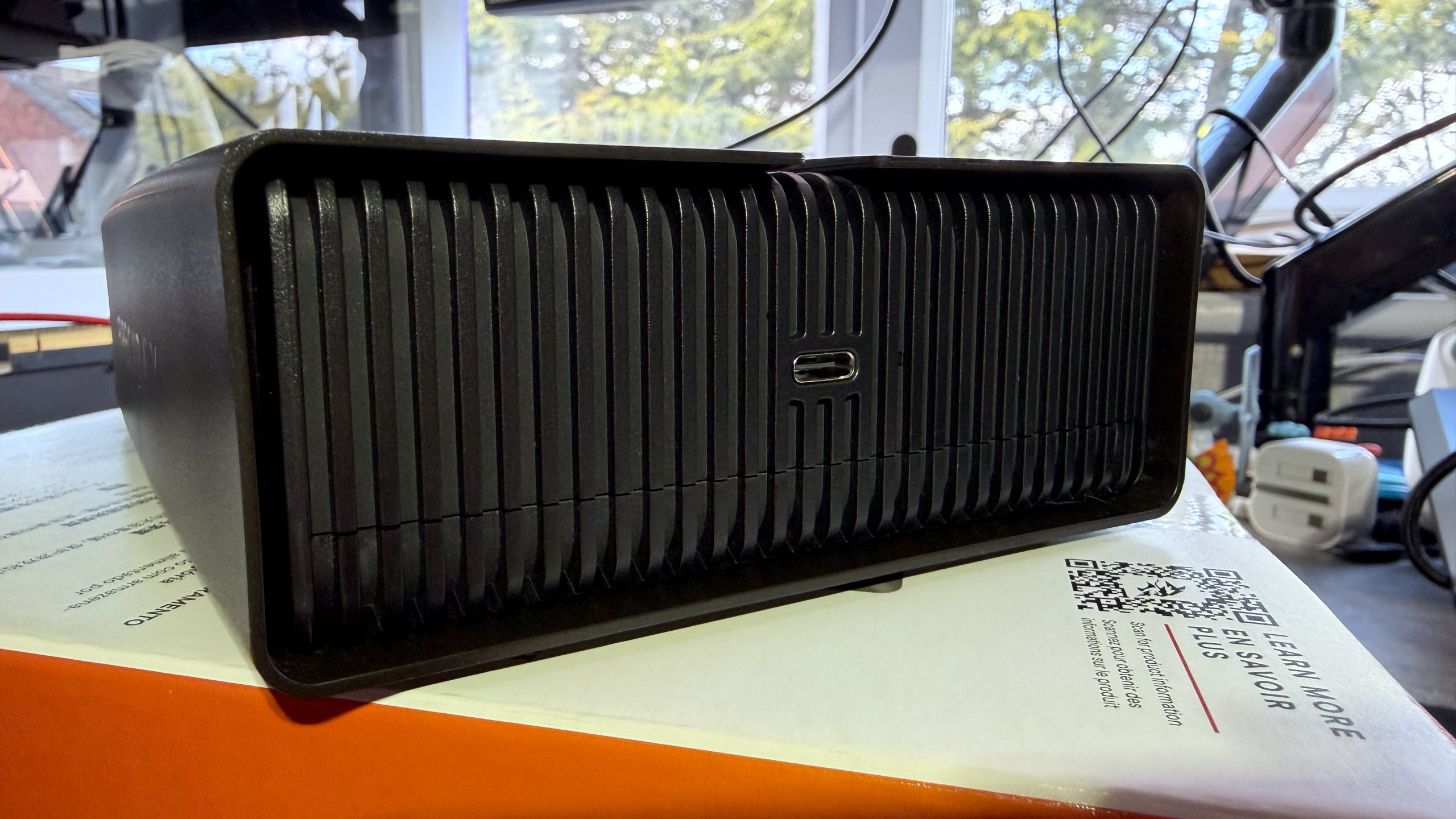
Even though SSDs have been around for years, steadily improving in speed, reliability, and capacity, the good old hard disk drive is still worth considering for your gaming PC. That’s because when it comes to outright storage per buck, there’s nothing that beats an HDD. And in the current situation where DRAM and flash memory are both prohibitively expensive, it’s even better value for money.
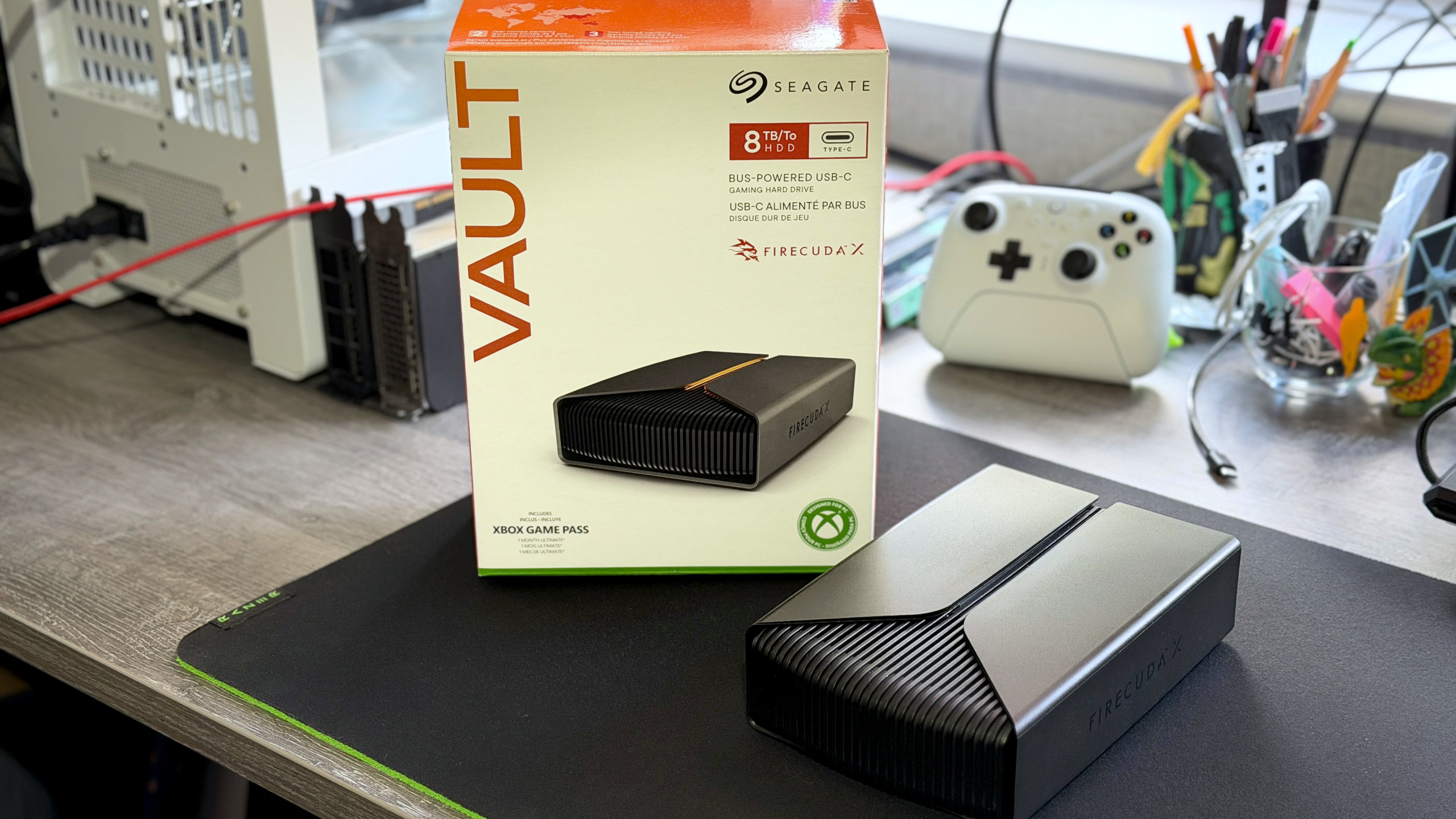
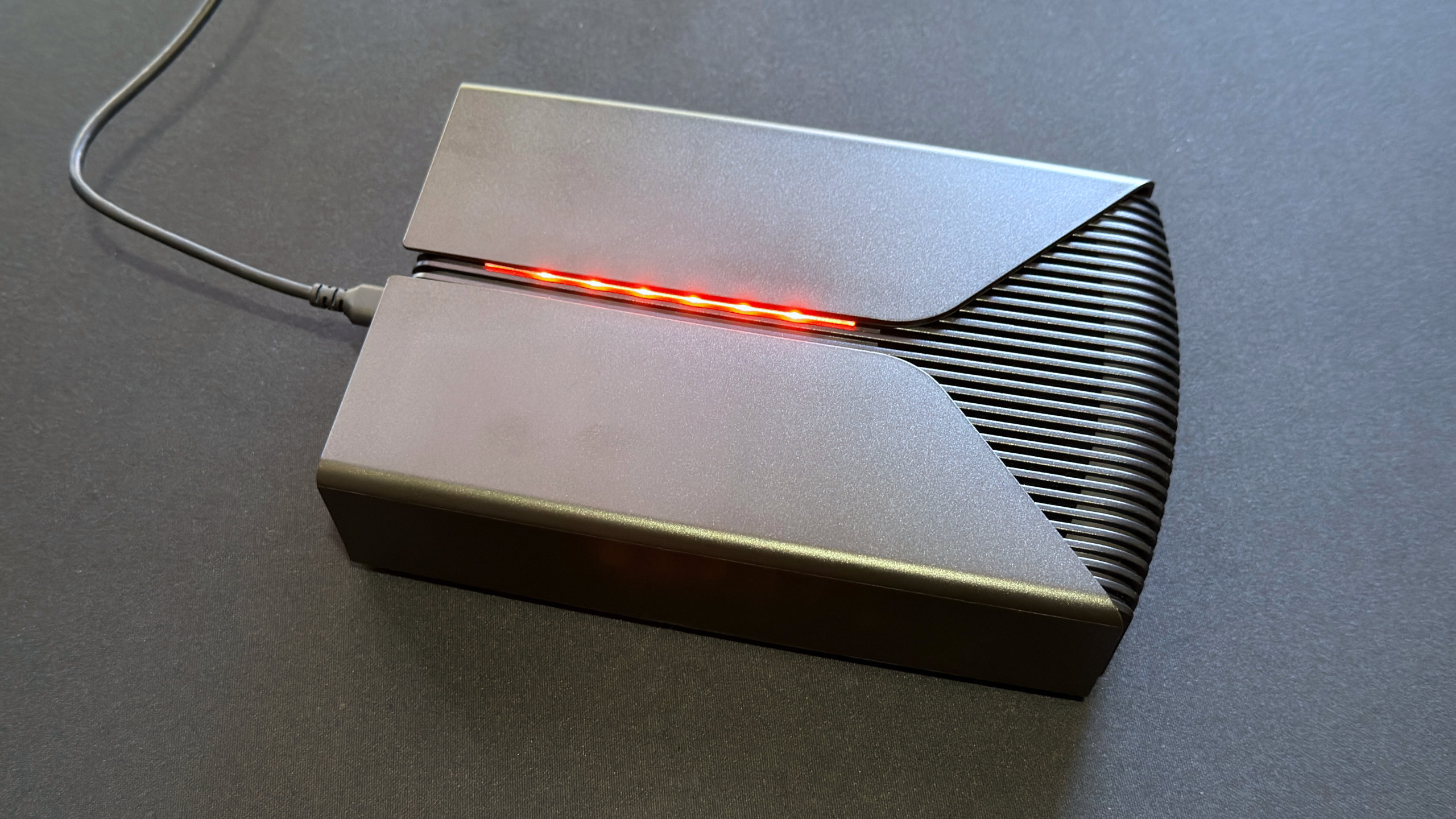
Seagate has been serving this market for a good while now, and it has a big range of external HDD models, covering every possible use and budget. Joining them is the newly launched FireCuda X Vault: a big HDD packed into an even bigger enclosure, replete with a touch of RGB lighting, that uses a speedy USB connection to hook up to your PC.
You have two capacities to choose from—eight or 20 TB—and using it is as simple as you could want: plug it in, wait a few seconds, and enjoy the wealth of extra storage space. Well, it should be super-simple, but there are a couple of potential bumps in the road that could stop it from being as smooth as silk. First, the USB port on the host PC must provide at least 15 W to power the X Vault.
FireCuda X Vault specs
Capacity: 8 TB (reviewed) / 20 TB
Interface: USB 3.2 Gen 2 Type-C
USB power requirement: ≥15 W
Spindle speed: 5,400 rpm
Cache: 256 MB
Supported OS: Windows / macOS
Dimensions: 200 x 130 mm x 50 mm
Weight: 1260 g
Price: $270/£280 (8 TB), $476/£486 (20 TB)
The other pothole in the road is the fact that you need to use a 10 Gbps USB 3.2 Gen 2 port to get the best performance out of the drive. While such sockets are hardly rare on the latest motherboards and laptops, if you have an older gaming PC from a few years ago, you could be stuck with Gen 1 only—or worse still, ports that can’t supply enough power.
None of this is Seagate’s fault, but if you are eyeballing the FireCuda X Vault as a potential buy, you really need to check what your USB ports can do before handing over your cash.
You do get some handy extras with the drive, at least. Seagate’s Toolkit app offers incremental backup and real-time folder mirroring, as well as RGB controls (though you can use Windows 11’s system, if you prefer), plus you get access to a data recovery service through the warranty period (typically two years).
For the performance benchmarks below, I used a gaming PC with an Intel Core Ultra 7 265K processor, in an ASRock Z890 Taichi Lite motherboard, with 48 GB of Corsair Dominator DDR5-8000 memory and multiple WD_Black SN850X SSDs to shift data back and forth from the external HDD.
To ensure that the X Vault had the best possible chance of reaching its full potential, I used a Thunderbolt 4 port on the motherboard, using USBTreeView to check that it was operating in the correct USB mode (i.e. USB 3.2 Gen 2, 10 Gbps).
It’s been so long since we’ve tested an HDD that the only other model we have results for our current benchmark suite is the Adata HD710 Pro. That external drive isn’t aimed at gamers, and it only uses a USB 3.2 Gen 1 (5 Gbps) connection. I’ve included a couple of external SSDs in the charts, so you have a visual guide to how fast spinning platters are compared to NAND flash chips.
Seagate FireCuda X Vault benchmarks
3DMark Storage
Average Access Time (µs)
| Product | Value |
|---|---|
| Seagate FireCuda X Vault (HDD) | 180 Index, 32.89 Bandwidth (MB/s), 1056 Average Access Time (µs) |
| Adata HD710 Pro (HDD) | 63 Index, 11.74 Bandwidth (MB/s), 3046 Average Access Time (µs) |
| Crucial X9 | 875 Index, 152 Bandwidth (MB/s), 208 Average Access Time (µs) |
| TeamGroup PD20 Mini | 934 Index, 161.5 Bandwidth (MB/s), 194 Average Access Time (µs) |

Suffice it to say, the FireCuda X Vault performs exactly how you’d expect an HDD to, especially compared to an SSD. But while it’s slower than a tortoise, Seagate’s gaming drive is quite a lot snappier than Adata’s rugged model, in part because it uses a faster USB interface.
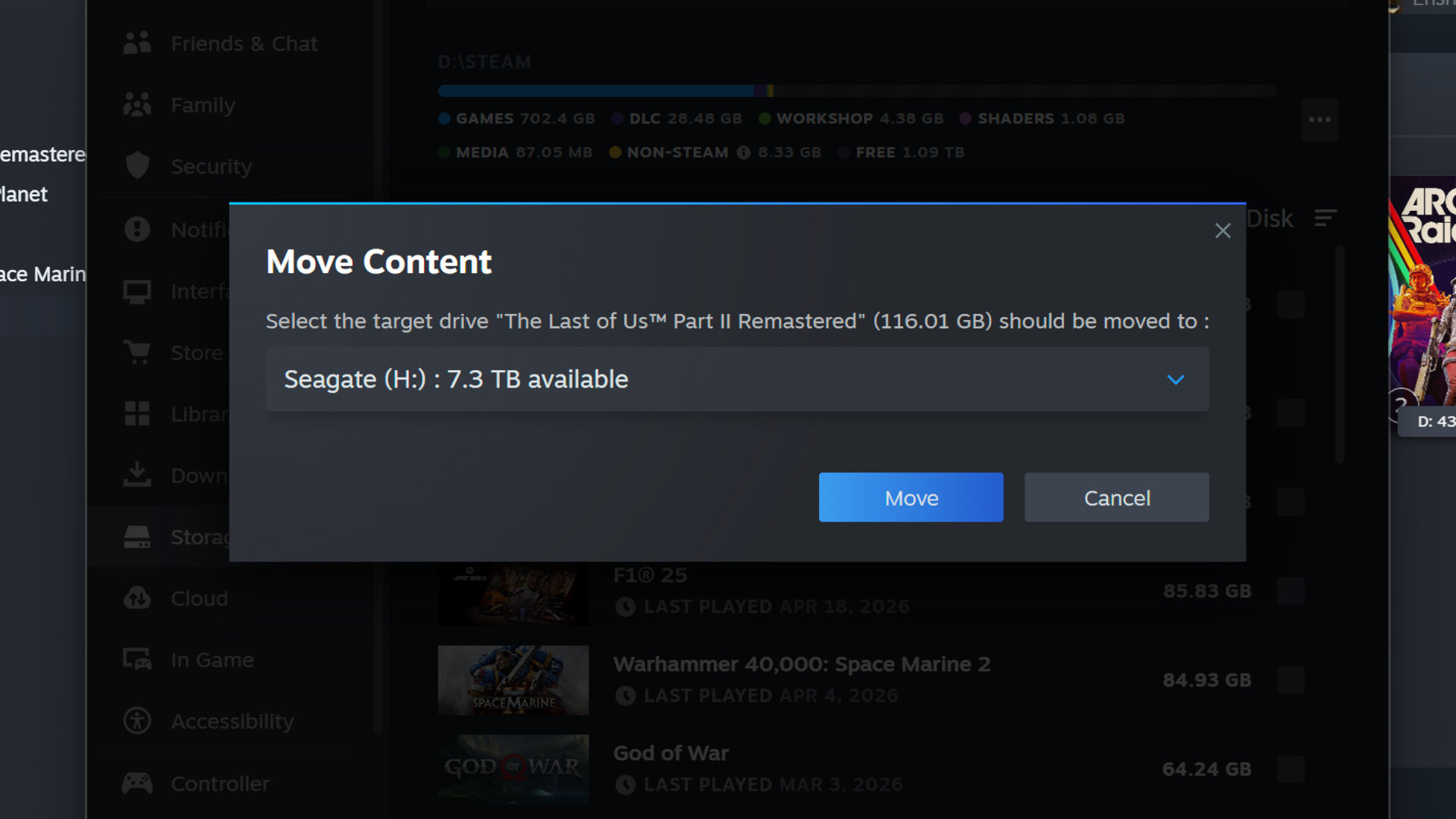
In addition to the above benchmarks, I also added the drive as additional storage in Steam, and measured how long it took to move The Last of Us Part 2 Remastered from a WD_Black SN850X installed in a PCIe 4.0 M.2 slot, directly connected to the CPU, onto the X Vault’s disks.
With the game tipping the scales at 116 GB, it took 11 minutes and 31 seconds to transfer all the files, so it’s not something you’d want to be doing repeatedly. During the move, I recorded the write speed of the Seagate drive, and it hovered between 200 and 205 MB/s for the entire duration. So while it’s not especially quick, it is very consistent (again, as expected for an HDD).
Image 1 of 3
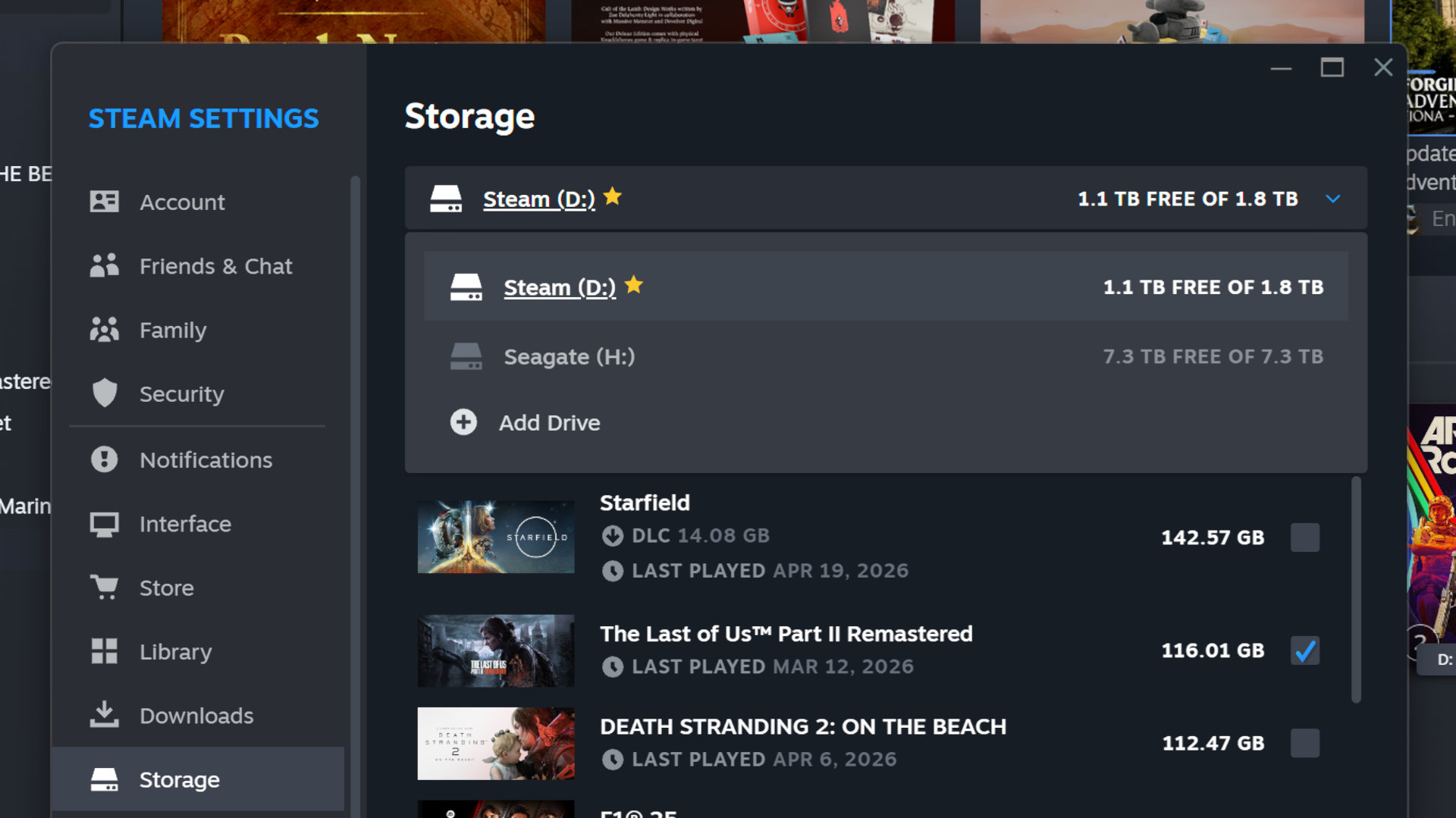
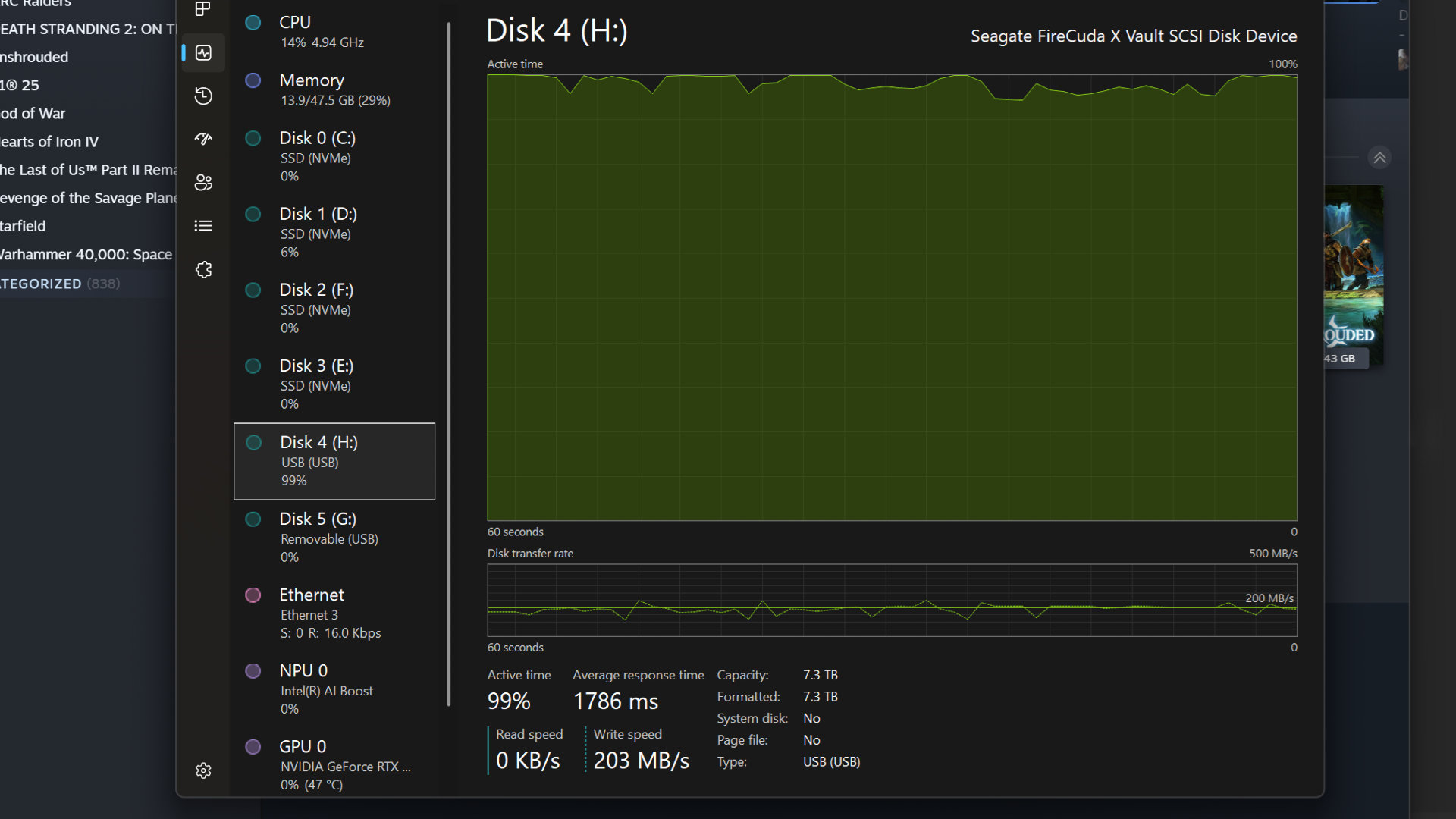
That transfer speed is about 10% as quick as you’d get with a fairly rubbish SSD, but since even those are now outrageously pricey, the X Vault’s tortoise-like performance is completely forgivable. In fact, if all you care about is cold storage (i.e. you don’t need to constantly access the files, you just need them close by), then the FireCuda could well be ideal.
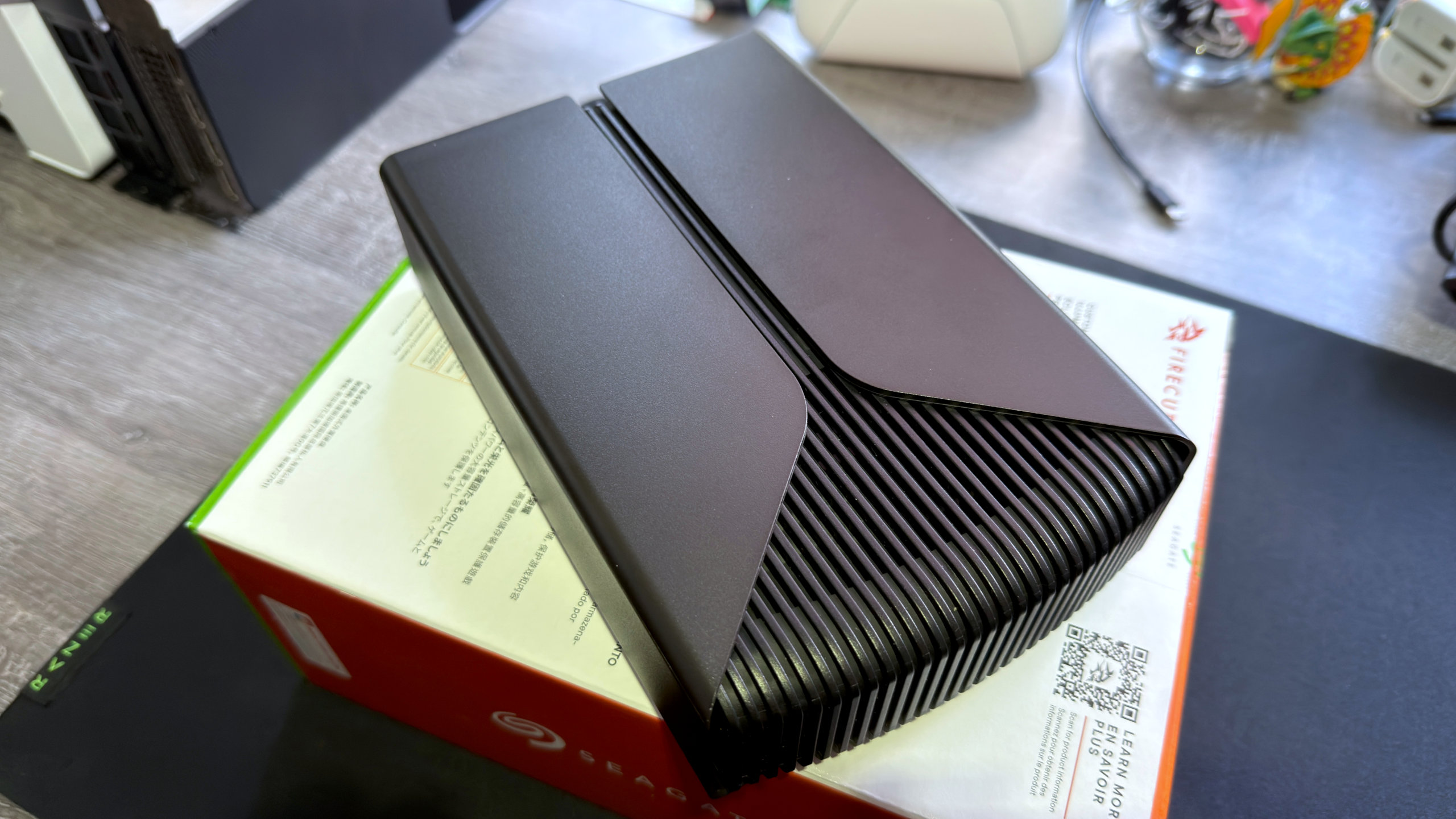
However, there are a couple of things, other than the performance and USB fussiness, that are worth noting before deciding on the X Vault. For the sheer size and mass of the drive’s enclosure, you’d be forgiven for expecting lower temperatures, but at least they don’t vary much between idle and heavy loads. The meaty enclosure also does a great job of absorbing vibrations.
The provided USB cable is also somewhat on the short side. Used with a laptop, it’s not that much of an issue, but I tried it on several desktop PCs, and for many of them, the cable wasn’t long enough to allow the unit to rest flat on the desk next to the PC case. Worse still, the lack of slack in the cable means that the connector pulls down quite firmly on the USB port itself, which isn’t great for its long-term health.
Image 1 of 3
Buy if…
✅️ You favour storage space over speed for your gaming library: No external HDD is ever going to keep up with an internal SSD, but with 8 or 20 TB of space on tap for your Steam library, the FireCuda X Vault is great for cold-storing games and videos, especially for gaming laptops with just one M.2 slot.
Don’t buy if…
❌️ You favour speed over convenience: With an average data transfer rate of around 200 MB/s, the FireCuda X Vault isn’t at all fast, even compared to a slow SSD. If that matters, then find the cheapest SATA SSD you can find instead, though it won’t offer anywhere near as much storage.
At $270 for the 8 TB model, you’re not paying over the odds, though, and the 20 TB version is especially good value for money, coming in at around 2.4 cents per GB. That said, Seagate has fitted the X Vault with a similar type of HDD as it uses for its SkyHawk and Barracuda Compute product ranges, and you can buy one of those bare drives for $230 at Amazon (at the time of writing).
You won’t get any more performance, but you will save a bit of money and won’t tie up one of your motherboard’s USB ports if you install it inside your desktop gaming PC.
Where things really make sense for Seagate’s external drive is when your PC is a gaming laptop, especially so if it has a solitary M.2 slot for SSDs. Using the FireCuda X Vault to really boost the amount of storage you’ve got now makes a lot of sense, because you’re avoiding having to pay vast amounts for a bigger SSD, nor enduring the hassle of reinstalling Windows.
The only thing you need to worry about is whether or not your laptop’s USB ports can actually power the drive.
Best external SSDs 2026