My testing shows that 16 GB of system memory is still absolutely fine for today’s PC games but there are some caveats to it all
With 32 GB DDR5 memory kits now all sporting colossal price tags, it might seem that doing a full upgrade of your gaming PC’s CPU, motherboard, and memory is out of the question. That’s because 16 GB of DRAM isn’t enough, right? Especially if you have a high-end graphics card or you play games with super-heavy graphics.
A few weeks ago, I spent some time browsing through various forums and social media posts that are dedicated to asking questions about building or upgrading a PC, and almost all of the comments were adamant that nobody should be going with anything less than 32 GB of system memory in 2026.
Even though I regularly use a couple of test PCs with 16 GB of DRAM and have a PS5 with the same amount, I wanted to see how much of a difference 32 GB makes when you’re playing some of the most memory-hungry games around.
To begin with, I checked the memory usage of 27 big games no older than four years, with the graphics settings maxed out at 4K, but with DLSS Performance enabled to avoid a frame rate slideshow, on a gaming PC with 64 GB of DRAM.
From there, I selected eight to focus on: three that were using around 16 GB of memory, four that were above 16 GB but below 32 GB, and one that used well over 32 GB. Then it was a case of measuring the frame rates over five minutes of gameplay, with the test PC’s memory limited to 16 and then 32 GB, to see what would happen.
High-end GPU results
Image 1 of 4

I actually did all the tests twice: first with an RTX 5090 (which has 32 GB of VRAM) and then again with an RTX 5070 (12 GB of VRAM). The reason for this was to see what impact the video memory capacity had in relation to the amount of system memory, when the game is munching through all the DRAM you can throw at it.
As well as recording the average and 1% low frame rates, I also monitored the average amount of system memory used during the five-minute runs and how much DRAM the game process itself was using. You can view the results for the latter by clicking on the ‘next’ arrow in the chart below.
Gaming performance
16 vs 32 GB system memory
| Product | Value |
|---|---|
| RTX 5090 – 32 GB system RAM | 84 Avg FPS, 51 1% Low FPS |
| RTX 5090 – 16 GB system RAM | 83 Avg FPS, 52 1% Low FPS |

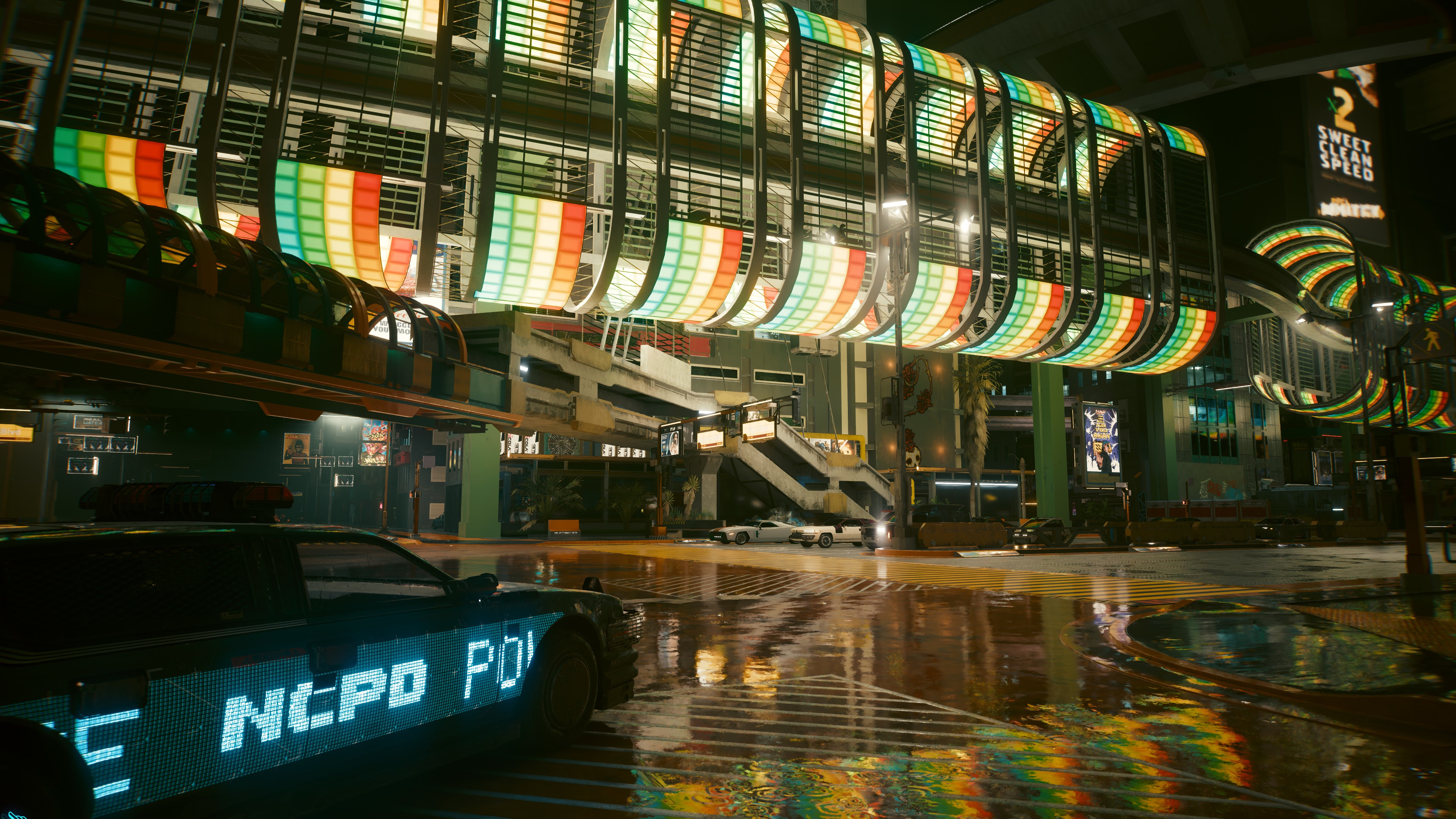
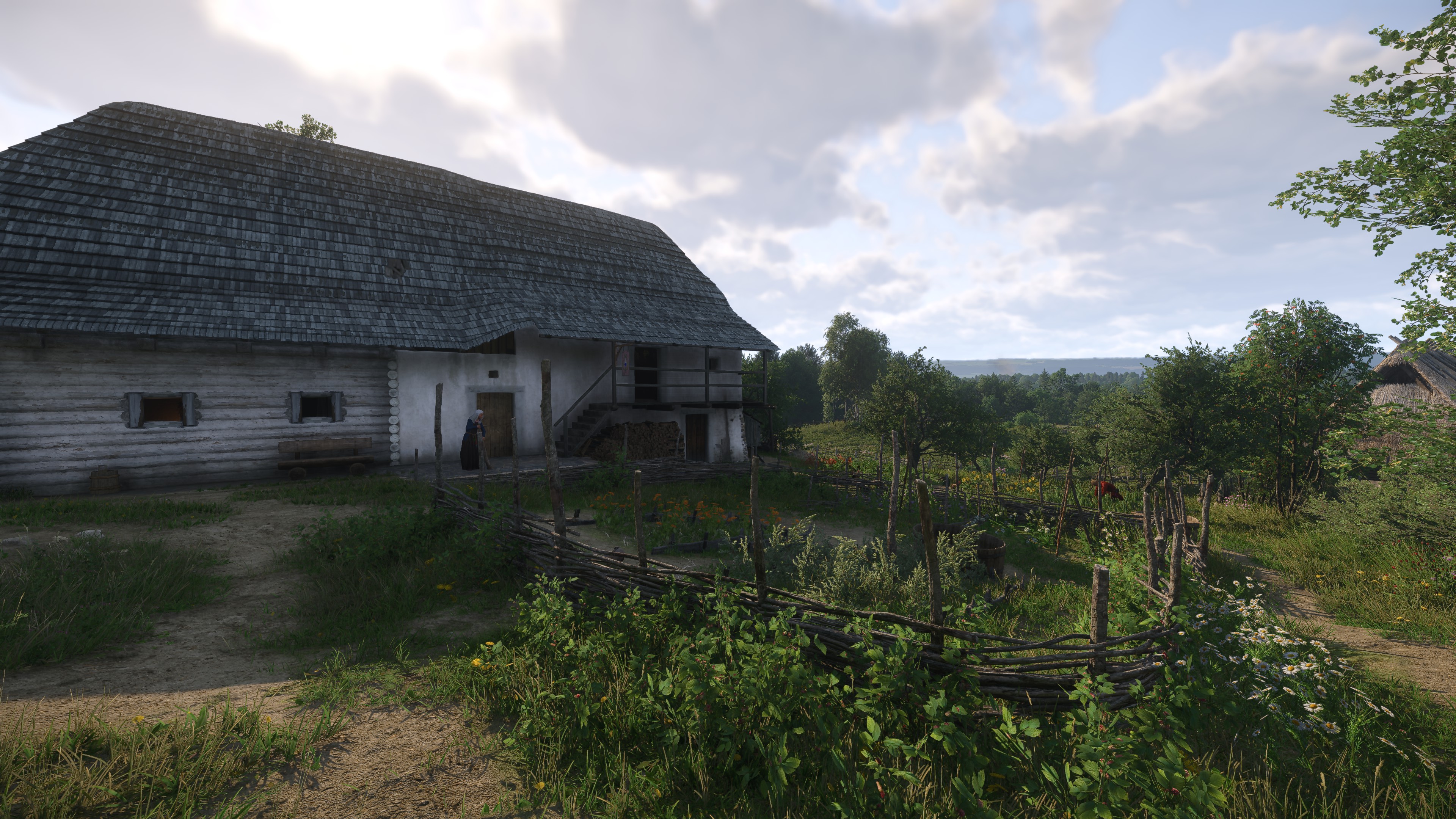
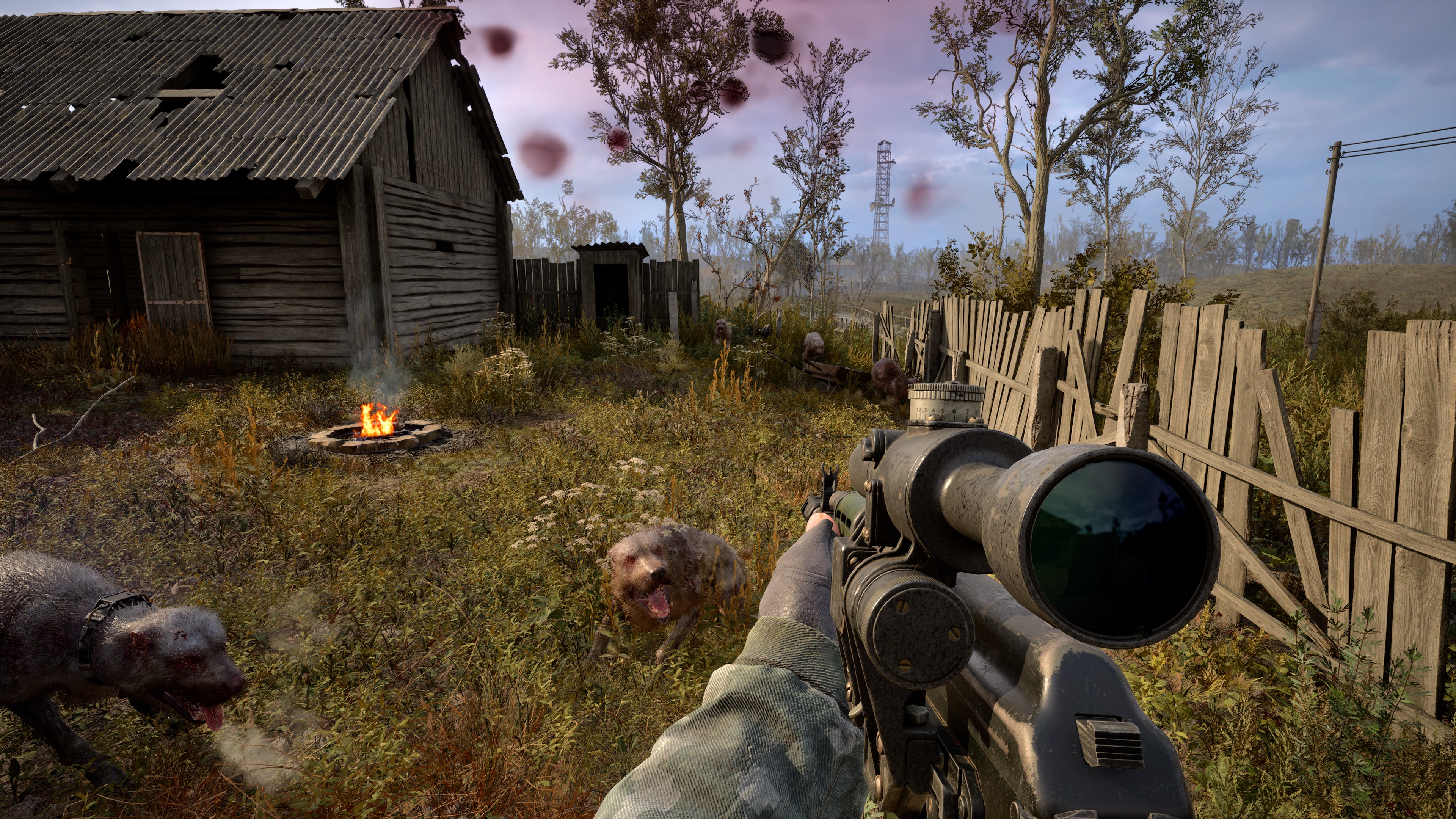
Cyberpunk 2077, Kingdom Come: Deliverance 2, Black Myth: Wukong, and Stalker 2 all run just as well with 16 GB of system memory as they do with 32 GB. The most interesting result was the process memory usage of Stalker 2: 3500 MB at 16 GB and 6900 MB at 32 GB.
That stands out because the other three games don’t really change that much when running with the lower amount of system memory. Black Myth: Wukong and Stalker 2 are both Unreal Engine 5 games, but the latter is open-world and therefore has to stream data back and forth between the VRAM and system DRAM, as you move about across large distances.
However, because the RTX 5090 has so much VRAM, Stalker 2 probably doesn’t have to stream all that much, hence why it can reduce how much memory the process takes up without affecting the performance at all.
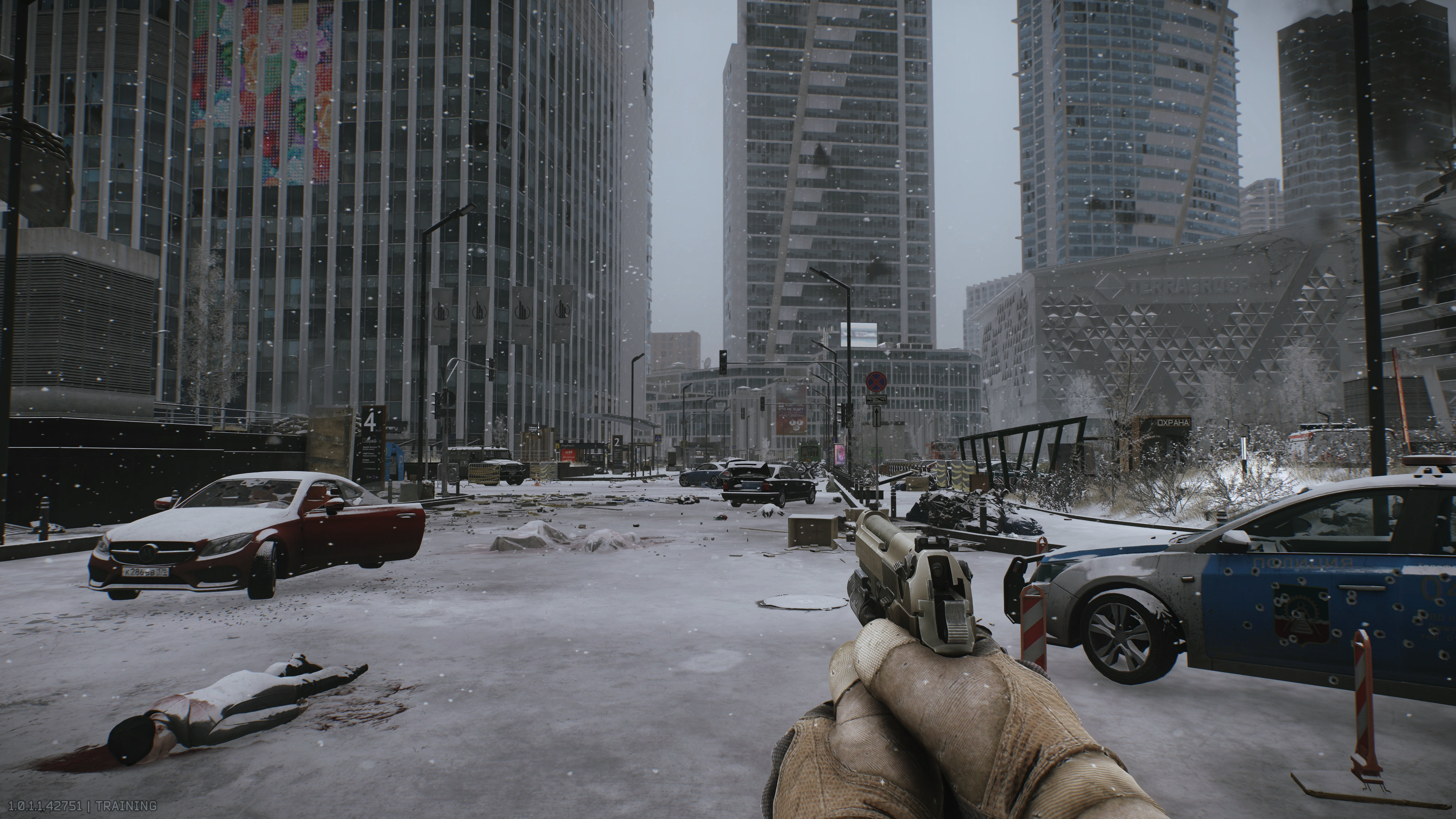
Moving on to Escape from Tarkov, Flight Simulator 2024, and Hogwarts Legacy, there’s again very little difference between 16 and 32 GB of DRAM. Tarkov does run a little bit better, but I need to add a big disclaimer here: The test runs were done in the Ground Zero map in a training mode with AI bots. Replace them all with live players, and the DRAM usage rapidly increases, which is why the game’s developers actually recommend 64 GB of system memory.
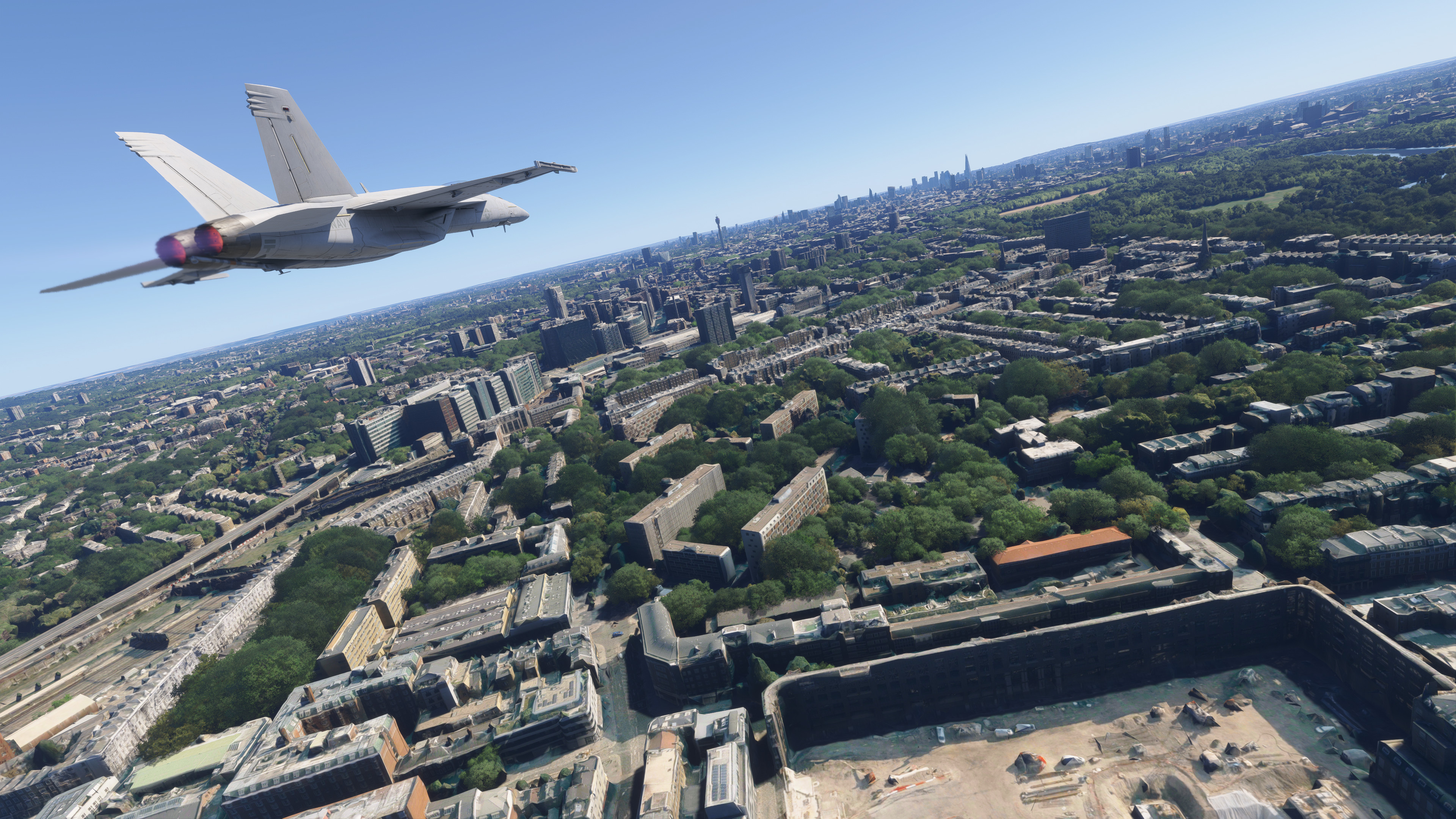
FS 2024 and Hogwarts Legacy are notorious memory-heavy, but these results show that it’s mostly about VRAM, and as long as you’ve got plenty of that, they’ll run just fine with 16 GB of DRAM. Well, not entirely so, as Microsoft Flight Simulator does get a little stuttery with this amount of memory. Over the period of an entire flight, it’s not a problem, but it is noticeable during takeoff and landing.
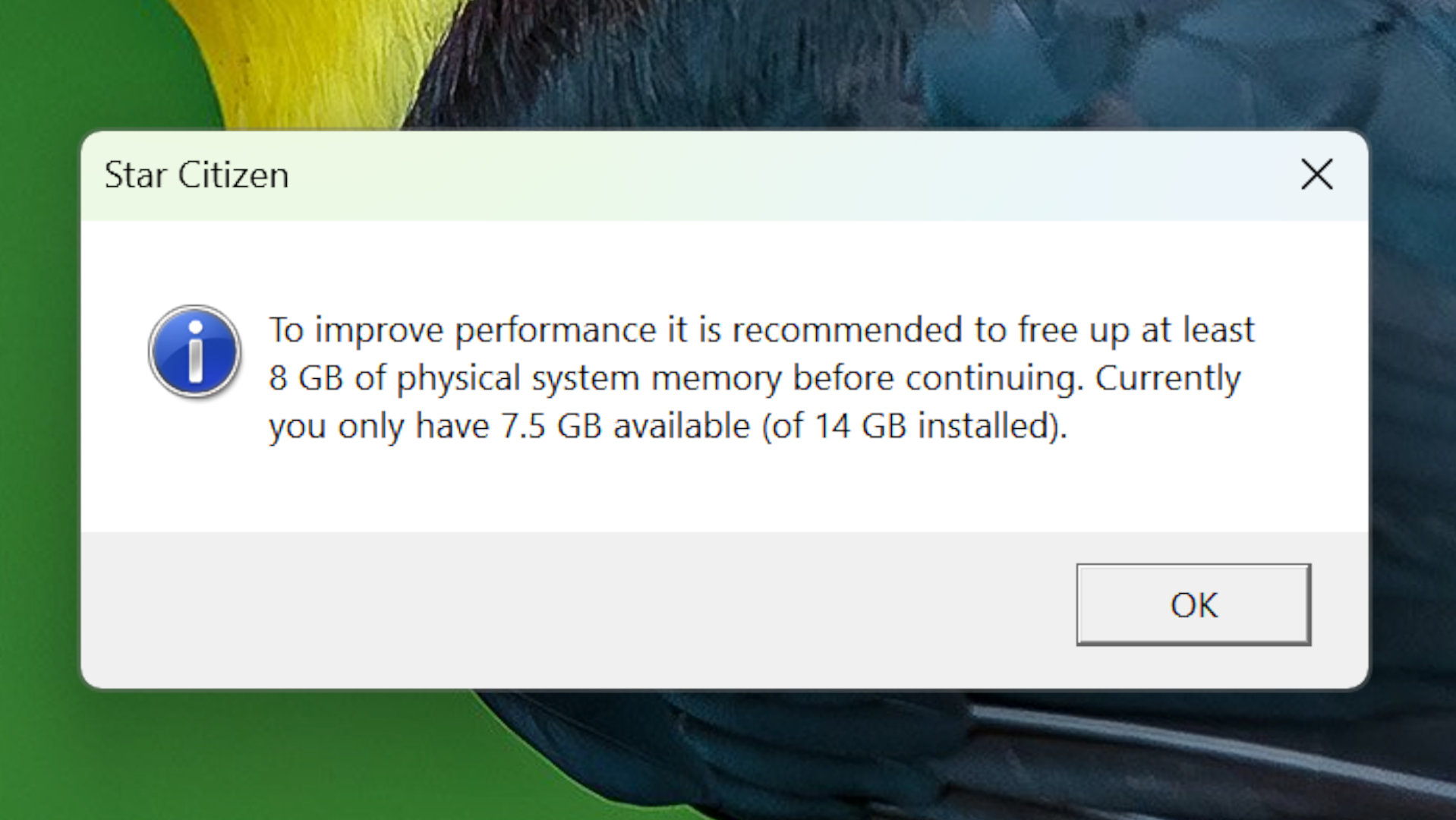
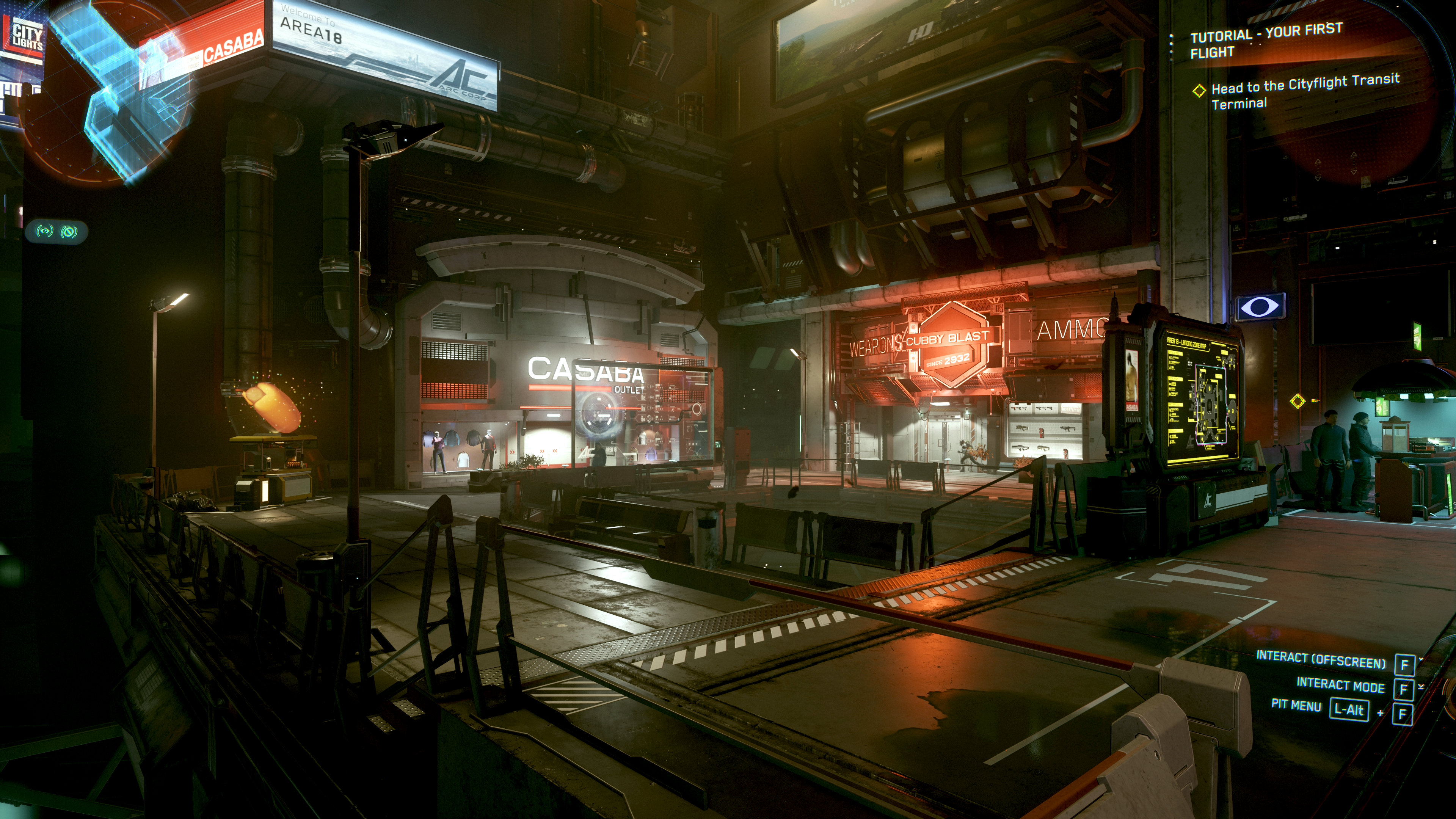
And finally, we come to Star Citizen. Upon firing up the game with 16 GB of system memory, I was faced with a pop-up warning saying that my PC didn’t have sufficient spare DRAM, but I ignored all that and dived in. Most of the performance was captured walking from my starting room in Area 18 to a hangar with my spaceship, and as you can see from the results, the minimum performance was awful.
Not that it was very good with 32 GB of system memory, but that’s Star Citizen for you. Sorry, ‘Early Access Alpha’ Star Citizen.
So, what can we learn from all of this? Apart from one particular game, it would seem that using 16 GB of DRAM in your gaming PC is absolutely fine. Well, as long as you have an RTX 5090 as well, which is a ridiculous thing for me to be saying, of course. So let’s swap that graphics card for Nvidia’s best-GPU-that-isn’t-silly-expensive: the RTX 5070.
Mainstream GPU results
Image 1 of 2
Gaming performance
16 vs 32 GB system memory
| Product | Value |
|---|---|
| RTX 5070 – 32 GB system RAM | 38 Avg FPS, 27 1% Low FPS |
| RTX 5070 – 16 GB system RAM | 36 Avg FPS, 27 1% Low FPS |
Ignore the fact that all the performance figures are now much lower. They should be, as the RTX 5070 is a much weaker GPU than the RTX 5090. Instead, just focus on the differences between 16 and 32 GB of system memory, especially the 1% low frame rates.
Again, we can see that Cyberpunk 2077, Kingdom Come: Deliverance 2, and Black Myth: Wukong are all happy with the lower amount of DRAM. To be honest, this shouldn’t come as a surprise because the recommended memory requirement for CP2077 and BM:W is 16 GB. It’s 32 GB for KC:D2, but even in the game’s main city, Kuttenberg, I didn’t encounter any problems with using less DRAM than that.
That wasn’t the case for Stalker 2, though, as the 1% low frame rates improved by 11% when using 32 GB. It’s interesting to note that when the test rig was set to use 16 GB, the Stalker 2 process actually used 23% more memory than when it did with an RTX 5090 installed. That’s almost certainly down to the differences in VRAM capacities, something we can also see in the Escape from Tarkov results.
The game was certainly still playable (well, ‘playable’ by Tarkov standards) with 16 GB of system memory, but the 34% bump in the 1% low frame rates with 32 GB makes it feel a lot smoother. For a game where you survive on a knife-edge for the entirety of every raid, smoothness is critical.
Image 1 of 2
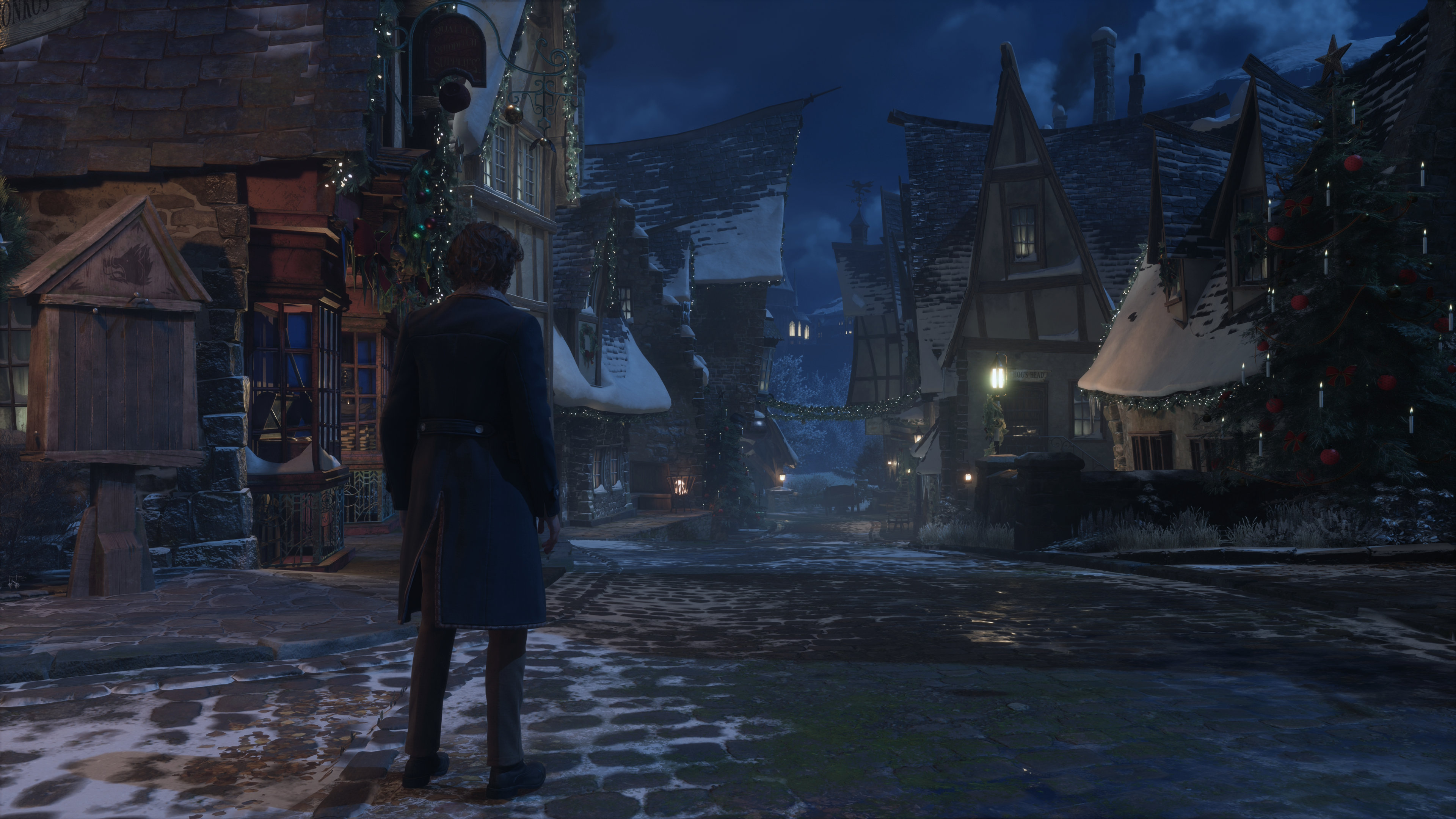
I was surprised by the Hogwarts Legacy results, though. In fact, I retested that game another three times, and in different areas, but it ran the same with 16 GB as it did with 32 GB. There was a very minor reduction in traversal stutters (hitches in the frame rate as you move across open areas), but nothing to mandate the use of 32 GB.
Flight Simulator 2024 on maximum quality settings is all about VRAM, and no amount of system memory is ever going to make up for the fact that the RTX 5070’s 12 GB just isn’t enough. That said, the 1% low frame rate did go from 2 fps to 6 fps (a 200% increase!) when using more system memory, and it also stopped the horrendous memory thrashing I endured with 16 GB.
When there’s insufficient VRAM in that game, it constantly has to shift data back and forth between the graphics card and the PC’s DRAM, all while streaming assets from servers as you fly about. This caused all kinds of problems when flying into dense city areas, with the process memory usage frequently crashing to 900 MB and freezing the game for a second or so.
Bizarrely, Star Citizen ran fractionally better with the RTX 5070 than it did with the RTX 5090, especially when forced to cope with 16 GB of system memory. As it’s effectively an MMO game, I used the same server, at the same time of day, across my test runs to try and keep the workloads as similar as possible, but I can only assume that there was simply more going on during the 5090 runs. Either that or Star Citizen is still very much an ‘Early Access Alpha’.
The verdict on 16 GB of system memory
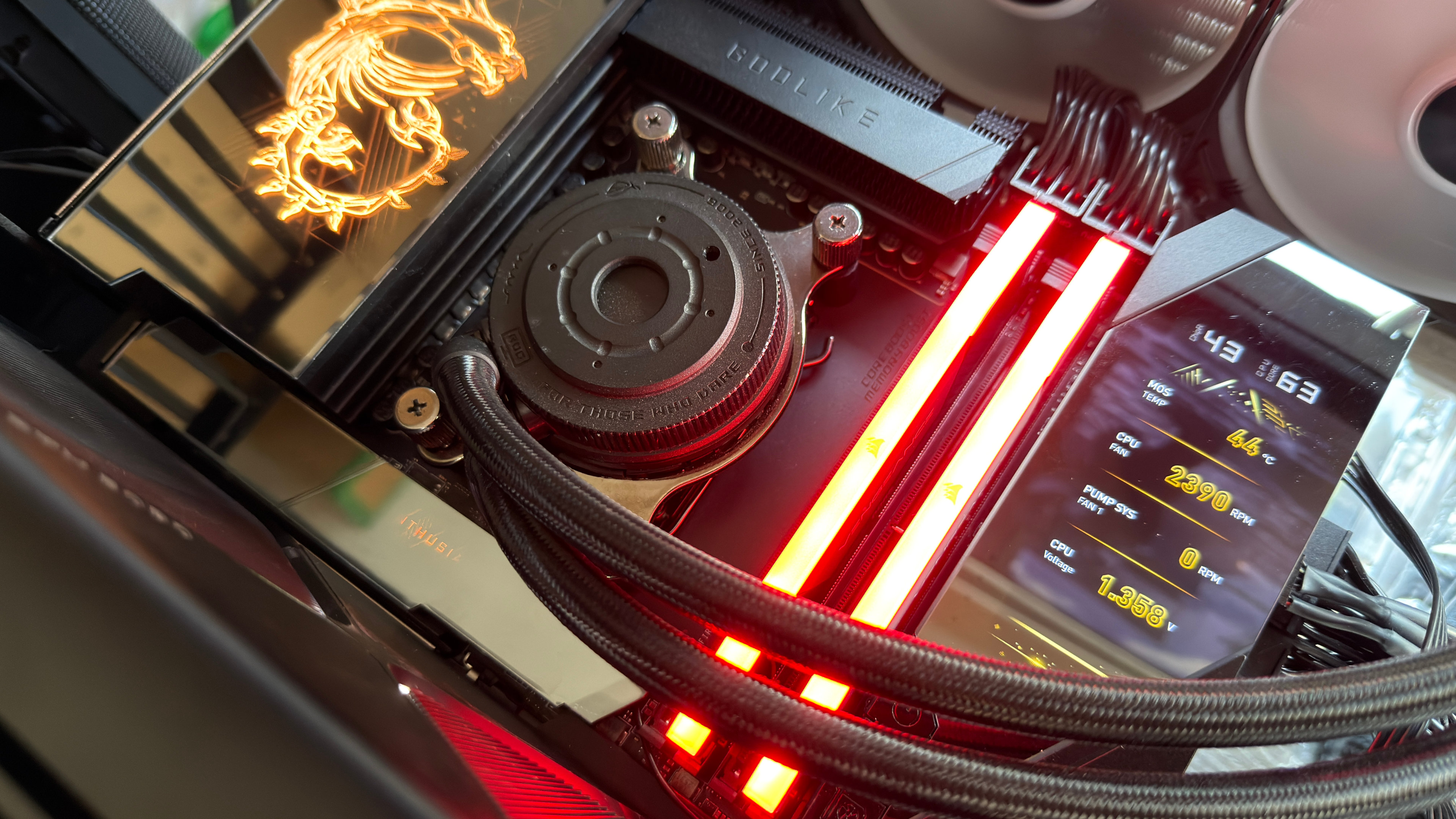
From the results of all my tests, it would seem that using 16 GB of DRAM in your gaming PC is absolutely fine. Yes, I know that using an RTX 5090 is kind of cheating and a bit silly anyway, because if you can afford one of those, then spending $400 on memory isn’t really a concern.
But the RTX 5070 setup was fine too. Leaving Star Citizen aside, purely because it’s not a finished product, the only game that really didn’t like 16 GB was Flight Simulator 2024, but it didn’t like 12 GB of VRAM with 4K, max settings either. Drop the quality levels down a notch or two, and it’s a much more pleasant experience. It still doesn’t run super-well, but that’s more to do with MSFS 24 itself than any hardware aspect.
On that point, if you reduce the graphics quality of any game, it will use less VRAM and/or system memory. All of the tested games, bar Cyberpunk 2077, list 16 GB as being the minimum amount of system memory required (CP2077 wants 12 GB), but I’d say that this is actually quite a ‘soft’ limit in most cases.
And don’t forget that these are the most memory-heavy games I found out of the 27 that I examined. All of the others either used the same amount of DRAM or less.
However, there is one big caveat to everything here. With every game tested, the gaming PC I used was doing nothing but run the game. Those average system memory usage figures in the 16 GB test runs might seem to be perfectly fine, but they leave between 3 and 5 GB of memory available for anything else.
Some of that will be reserved, giving you just a couple of gigabytes of spare DRAM for running anything alongside the game. If you like to watch movies in a browser while you play, or have Discord open, or like to stream your gameplay, 16 GB of system memory will almost certainly be a problem if you like to use maximum quality settings in some games.
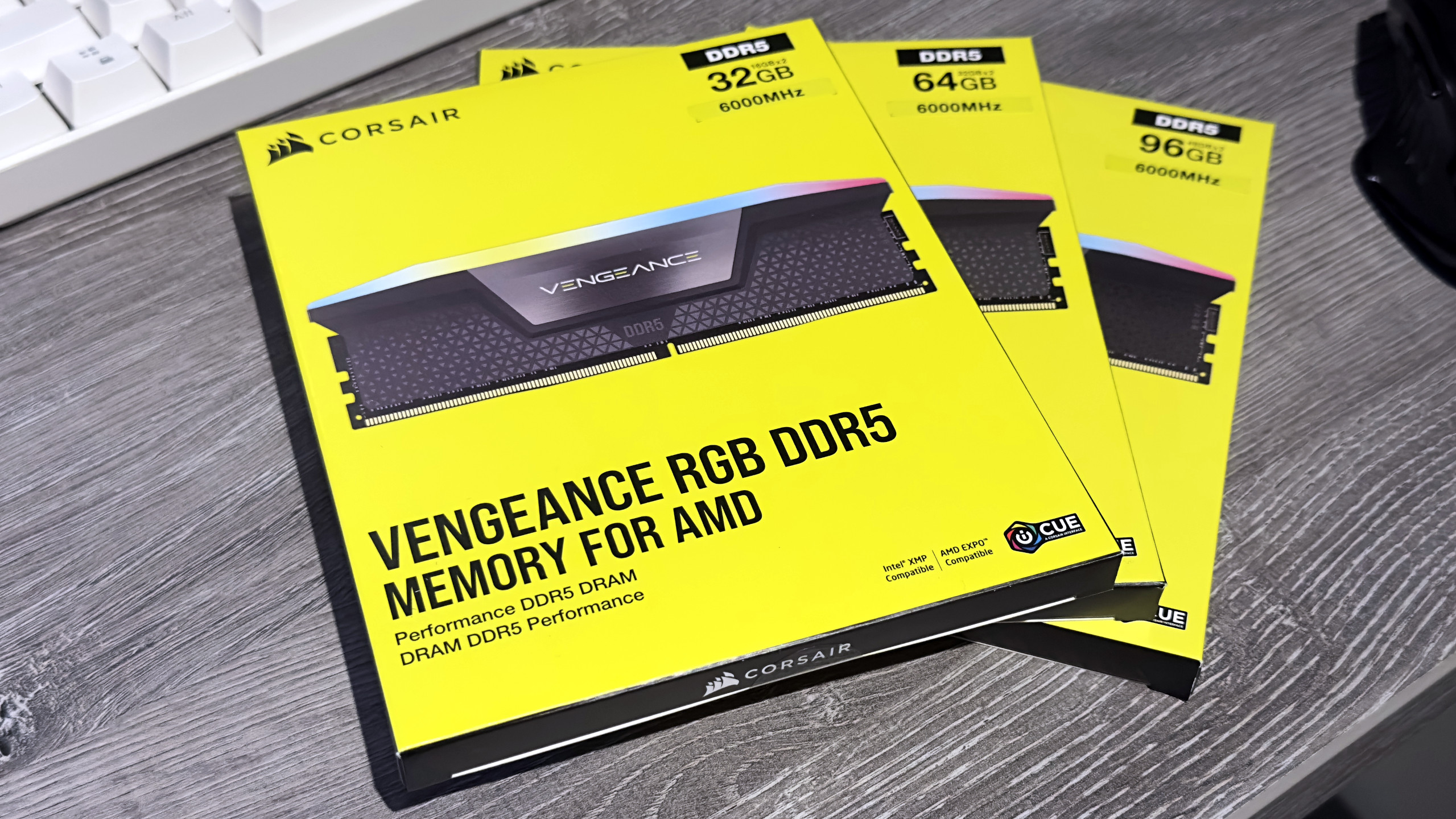
Since DDR5 speed doesn’t really matter all that much in games, it really all comes down to whether or not you want to bite the $170+ bullet and buy a bigger DRAM kit, or just lower the graphics quality to free up memory. I’m not going to tell you what you should do, but I do know which option makes the most sense.

Best gaming rigs 2026