Best AI Audio Translator Tools for PlayStation Streamers and Content Creators
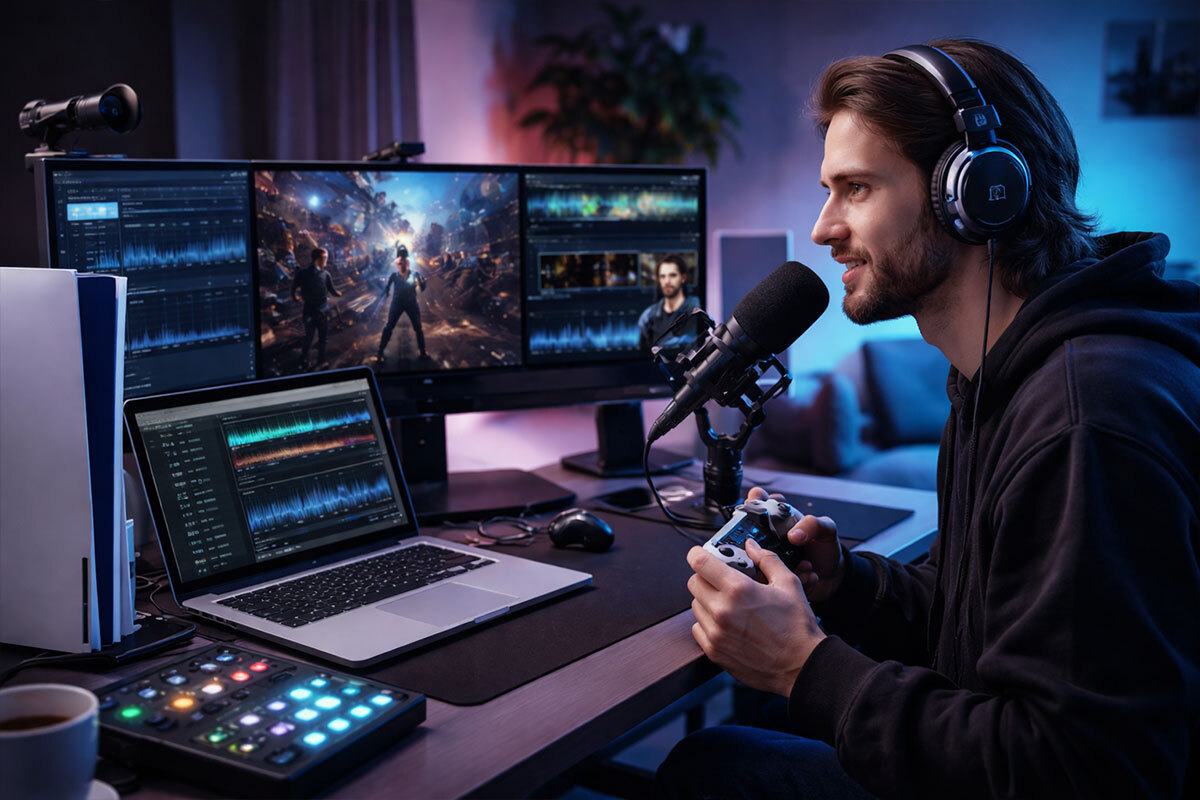
In the rapidly changing world of streaming, the gap between you and the rest of the world may be simply a matter of language. As a PlayStation creator, you understand that the Chat to Speech function on the PS5 is a godsend, but what if you want to reach a viewer in Tokyo or a subscriber in Paris?
The truth is that gaming is no longer a local activity, but a huge global community of over 123 million active users on the PlayStation Network. To be truly distinctive, you have to speak their language, literally.
Here are the best AI tools to help you bridge that gap.
- Murf.ai: The All-in-One Audio Powerhouse
When we discuss professional-level localization, Murf.ai is one of the first names that pops up in the minds of serious content creators. It is not just a basic voice generator; it is an all-in-one audio translator that helps you localize your recorded gameplay commentary and turn it into 35+ different languages.
The reason why it is a favorite among PlayStation content creators is that it helps you retain the same atmosphere as your original recording. If you have just made a clutch headshot in Call of Duty and your voice is full of adrenaline, you don’t want a robotic translation. Murf uses instant voice cloning to retain the same tone and emotion in your voice, so your French or Spanish-speaking audience can also feel the same rush that you felt.
- Best For: Post-stream edits, YouTube tutorials, and high-quality game reviews.
- Key Perk: You can tweak pauses and pronunciation to ensure game-specific terms (like Platinum Trophy or DualSense) sound exactly right.
- ElevenLabs: For the Ultra-Realistic Touch
If you’ve been active on gaming TikTok or YouTube in the past few months, you’ve probably heard of ElevenLabs. It is, without a doubt, the best available for lifelike AI voices. As a content creator, this software is absolutely essential for dubbing long-form content. This tool has some of the lowest latency available in the market, and this is a huge advantage if you are trying to sync audio to fast-paced gameplay footage.
It may not have real-time live translation for a PS5 broadcast just yet, but it is one of the best available for translating your Let’s Play series. You can upload your video, and the AI will create a second audio track in a different language that sounds almost indistinguishable from a human voice actor.
- Best For: Cinematic playthroughs and story-driven content where emotional weight is everything.
- Key Perk: Extremely low latency and Turbo models that generate localized audio almost instantly for quick-turnaround social clips.
- Voicemod: Real-Time Flair for Live Streams
For the live streamers on Twitch and YouTube who are streaming directly from their consoles, Voicemod is a brand that you probably already know and love for its goofy voice effects. But they have been moving more and more into AI-powered transformations.
It may be more about voice transformation than actual word translation, but it is a crucial part of the audio translation world for streamers who want to create a character. It works perfectly with live streaming software such as OBS, which many PS5 streamers use through a capture card to give their audio that extra bit of professional finish.
- Best For: Live Twitch/YouTube streams, role-playing (RP) sessions, and interactive party chat.
- Key Perk: A built-in soundboard that lets you trigger localized victory or fail audio bites with a single button press.
Why PlayStation Creators Should Care About Audio Translation
You may be asking yourself whether this extra step is worth it. The answer is yes.
Localization is no longer a nice-to-have but a strategy for growth. Research shows that translating your content can lead to an increase in your audience and monetization opportunities by reaching markets that are often overlooked by English-speaking content creators.
Think about being able to upload a God of War lore video and having it automatically translated into Portuguese for the huge gaming audience in Brazil. That’s how you take your local stream to the world.
Tips for Fact-Checking Your AI Audio
Even the best AI can stumble on gaming slang. Here is how to keep your translations accurate:
- Use Glossaries: Tools like Murf.ai allow you to set specific pronunciations for in-universe names like Aloy or Kratos.
- Check the Subtitles: Always generate an SRT (subtitle) file alongside your audio to ensure the text matches the spoken word.
- Keep it Simple: When recording your original audio, try to avoid heavy regional slang that might confuse an AI translator.
The Final Word
Entering the realm of AI audio tools is the quickest way to take a local PlayStation stream and turn it into a global brand. Whether you are looking for the cinematic depth of ElevenLabs or the professional sheen of Murf.ai, the playing field has never been more level. Your audience is out there; now you just have to speak their language.
Are you ready to take your stream global, or are you going to keep talking to the same small circle? The tools are there; it’s time to use them.