Gear Review: Viture Beast XR Glasses for Nintendo Switch and Nintendo Switch 2
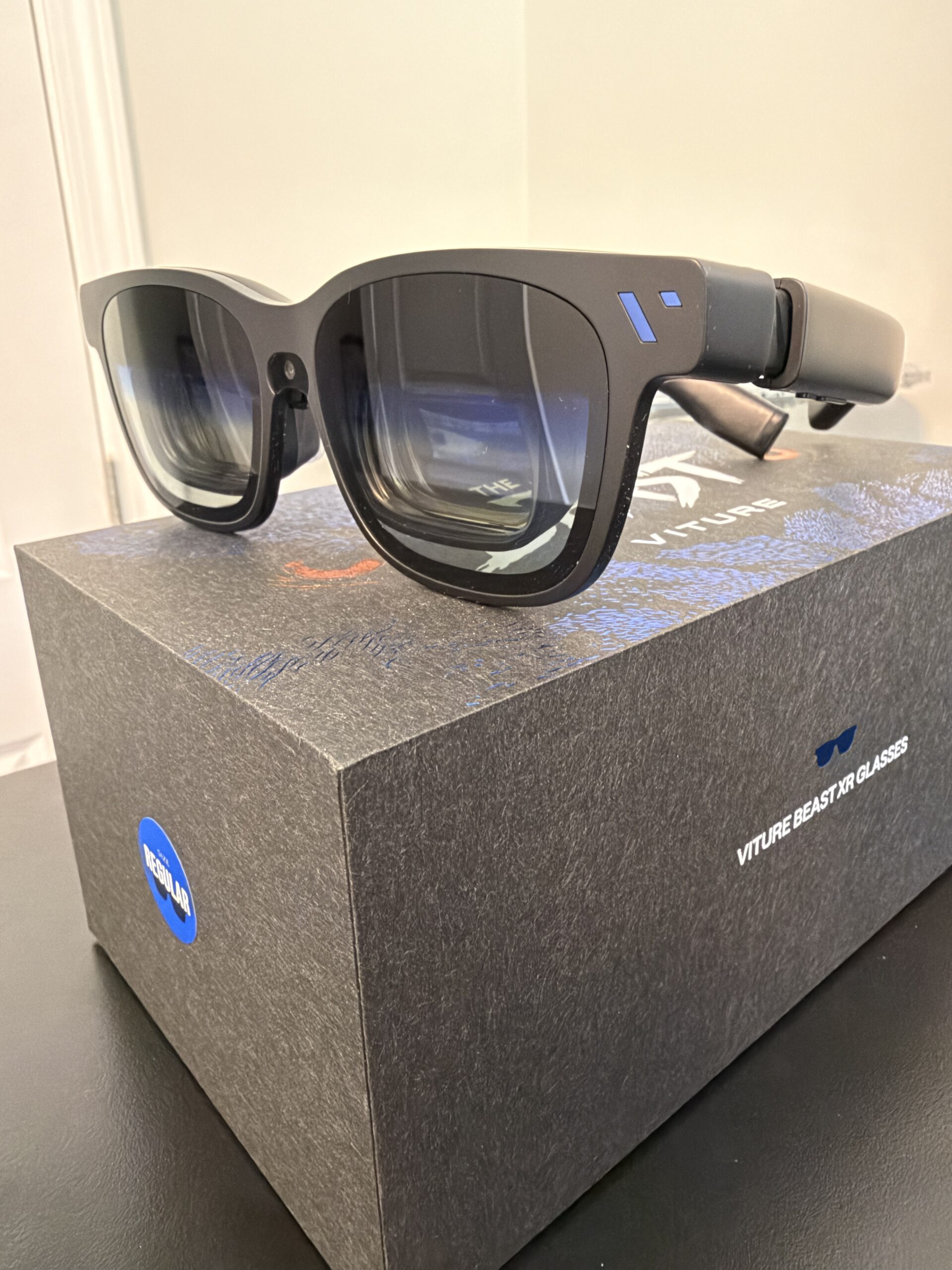
Late last year, we got to review the Viture Luma Ultra glasses alongside the Pro Mobile Dock. You can check out that review here. Viture was kind enough to send us their latest glasses called the Viture Beast. Are these fully a step up from the Luma Ultra glasses? In some ways, yes, but let’s walk through the differences.
Viture Beast XR glasses
For one, the Viture Beast glasses offer the best in field of view (FOV) at 58 degrees compared to the Luma Ultra’s 52 degree FOV. The Luma Ultra’s have higher peak brightness at 1500 nits while the Beast is at 1250 nits – still very high brightness in my experience playing Switch 2 games on both devices. The Luma Ultra glasses are catered a bit more for business/productivity use-cases. They have a couple extra cameras that help provide more motion tracking (6DoF, degrees of freedom, vs 3DoF in the Beast). The added brightness would help for those scenarios where you would be using these glasses as a second monitor for productivity applications.
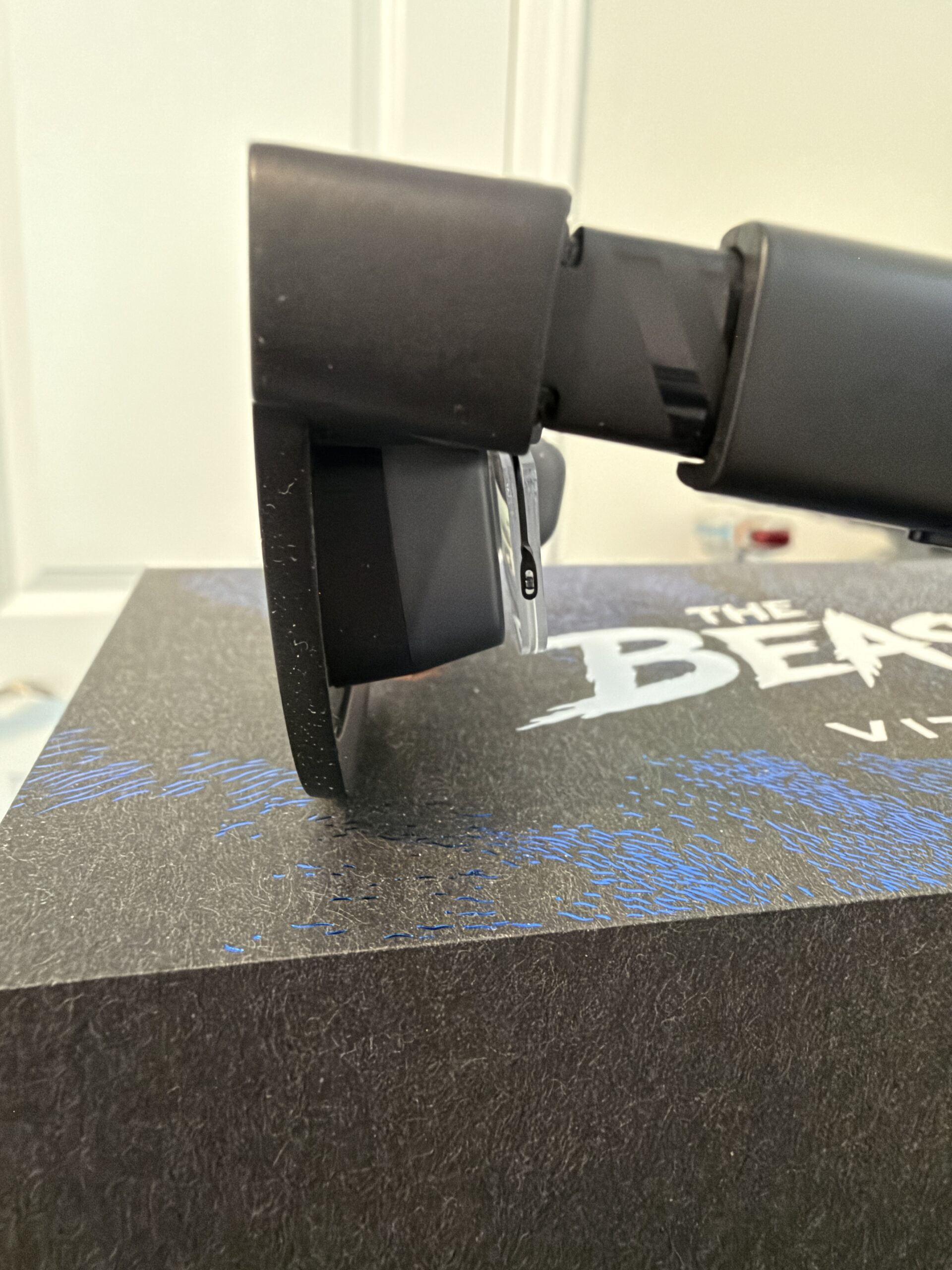
Viture Beast XR glasses side profile
For gaming purposes, it really comes down to the comfort and some of the specific features you might want. Both glasses have the ability to connect prescription frames (a must in my case). The Luma Ultra’s have the benefit of IPD adjustment wheels above each lens so you can fine-tune some adjustments. The Beast is a ‘full metal’ enclosure featuring a custom aluminum magnesium combination. They feel a bit more premium but also weigh slightly more than the Luma Ultra glasses although it wasn’t really enough for me to notice a difference in my testing. Also, the Beast uses a simple USB-C cable to connect to the back end of the right stem of the glasses while the Luma Ultra’s use a magnetic connector. I actually prefer the magnetic connector from a comfort perspective as it was easier to put on/take off and felt a bit better located over the ear. But I could see if the magnetic connector ever needed to be replaced, it is a custom cable you’d have to get from Viture whereas the Beast just uses a USB-C cable.
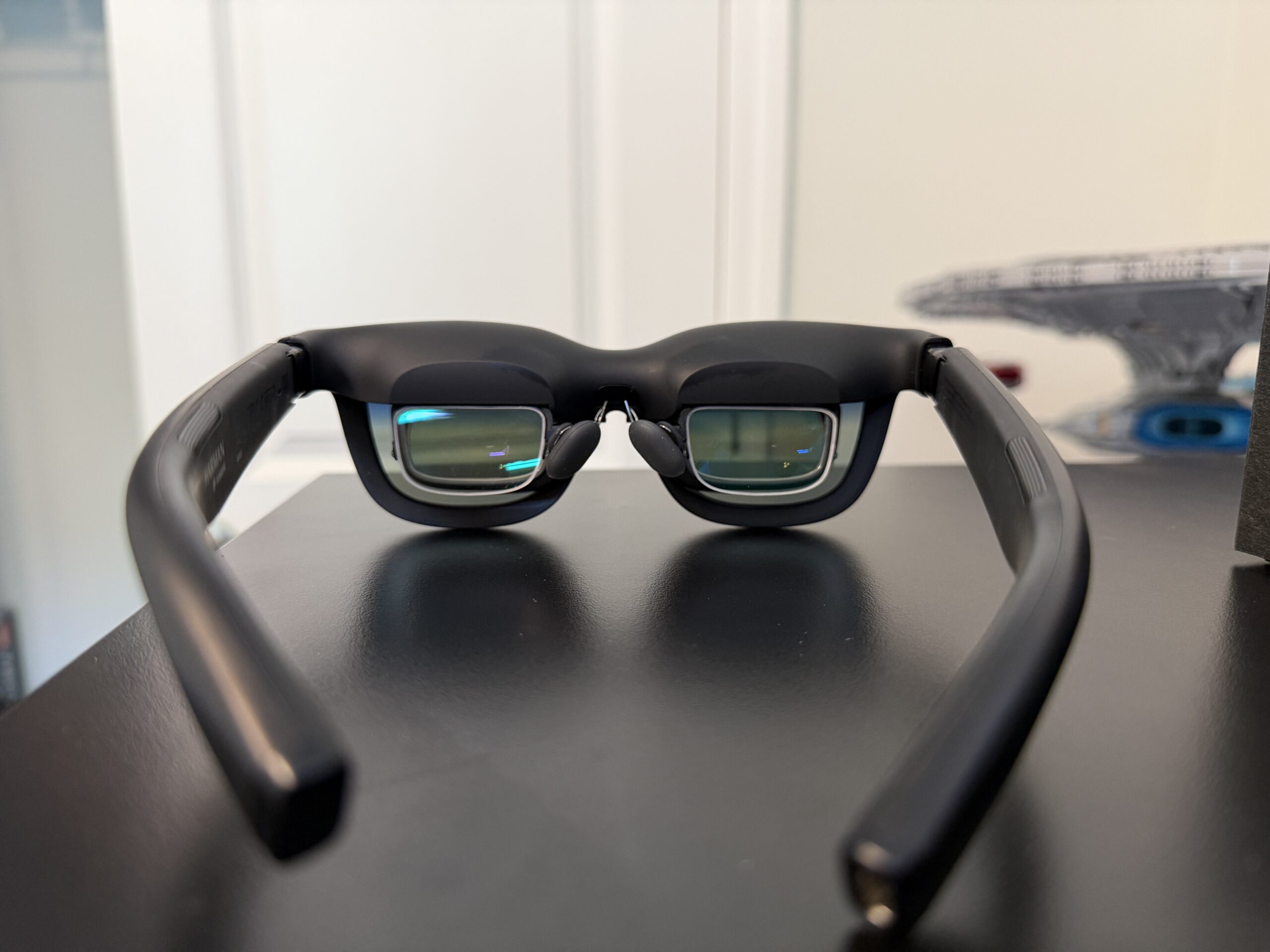
Viture Beast XR glasses with prescription lenses
Let’s get down to the actual performance of the Beast with some Switch 2 games. I tested these with my Nintendo Switch 2 and tried several games varying from Nintendo Switch Online titles to more modern games like Star Fox (2026) and Yoshi and the Mysterious Book. The resolution was pretty solid but more than that, the frame rate was really solid which is more important to me. It really does feel like you’re just playing these games on the TV that’s connected to the Switch 2 with that same sort of snappiness you’d expect. I still needed to leverage the Pro Mobile Dock to connect to the Switch 2 (you’d need the dock as well for connecting to a Switch 1). It was pretty much plug and play and I was good to go. I did have some issues with the video output at times. This seemed to improve with some firmware updates but even on the latest firmware I still have some video output issues here and there. Basically, the video would show as multicolored lines down the screen. I sometimes had to adjust the USB-C cable to get it to resolve. I had more issues with this when I was lying down on my back. There might have been some pressure on the connection point of the USB-C cable on the back right stem is the only thing I can guess? Another vote for the Luma Ultra’s magnetic connector which I didn’t see any of these issues with.
Overall, I enjoyed my time with the Beast but I think I preferred the Luma Ultra just from a feel perspective. I liked the magnetic connection of the cable to the glasses (it meant that I could put on the glasses quickly, just like regular glasses without a cable, and then snap the magnetic cable on). It’s very slick! It was just a little more difficult to connect the USB-C cable up. A minor inconvenience for most but when you just want to get into a game quickly, I liked the magnetic connection better. The Beast glasses are $549 ($50 cheaper than the Luma Ultra glasses) and while both will do the job very well, I’d probably go with the Luma Ultra’s if I had to pick between the two. If you prefer the look and metal frame of the Beast, you certainly won’t miss out on much. Either pair of glasses currently represent probably the 2 best XR glasses you can get right now at this price range.