5 Best Video Enhancer Tools for Android in 2026

Recording video on an Android device is incredibly convenient, but the results are not always perfect. Many issues arise that make the footage look poor and very non-reusable. For many years, this has been a problem, and there was only one solution, which was checking online tools and accepting the output even though you’re not satisfied with the results. Fortunately, mobile technology has evolved to a point where you can now fix these issues directly on your phone.
Modern applications have moved past simple filters. They now use neural networks to analyze footage frame by frame. Using an AI video enhancer can actually reconstruct lost details by predicting what the missing pixels should look like based on the surrounding data. There are many effective software solutions compiled in this list.
1. Vmake
Vmake has established itself as a leading choice for Android users who need professional-grade output without a steep learning curve. While many apps just sharpen the existing image, this tool utilizes a generative reconstruction model. This means that when you boost the resolution from 720p to 4K, the system is actually rebuilding textures like skin and hair to ensure they look natural. It avoids the plastic look that often comes with lower-quality sharpening tools.
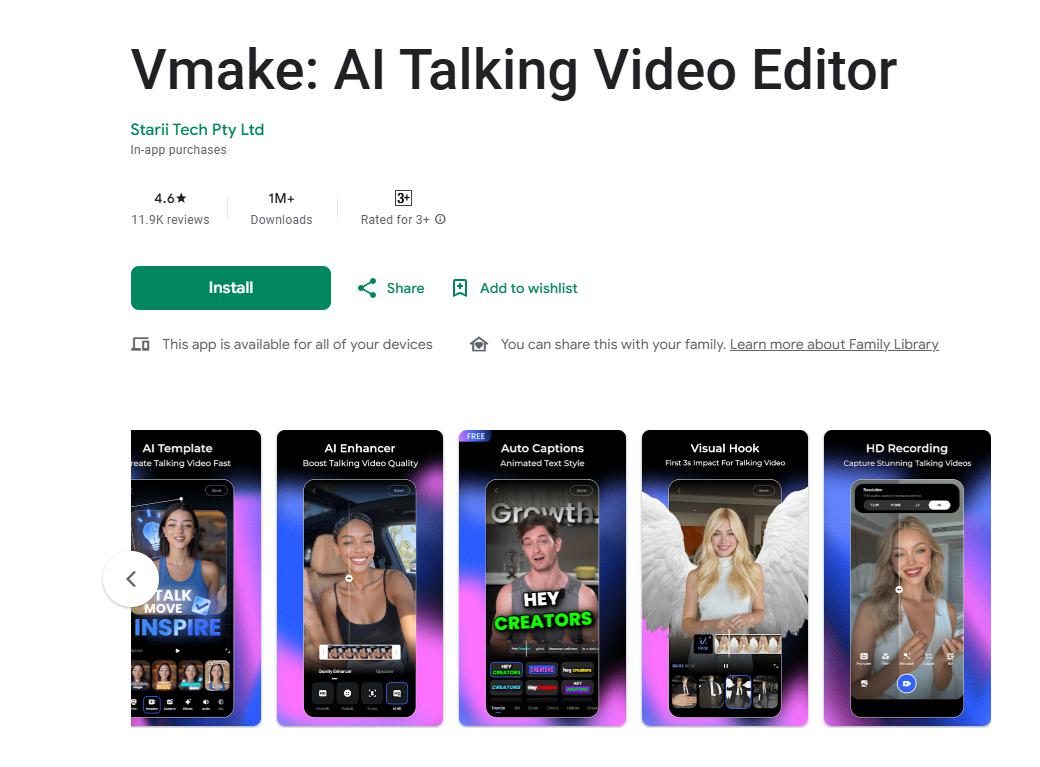
The platform is designed for high-velocity creators who need to turn a raw recording into a finished post in minutes. It features an AI Agent that understands natural language instructions. This makes the enhancement process feel more like a conversation rather than a hectic routine with many settings to tweak.
Key Features of Vmake AI:
-
Resolution Boost with AI for a 4K Finish: This feature reconstructs missing details in low-resolution clips for a 4K finish.
-
Vmake’s AI Video Agent: It has an AI chatbot interface that comes with editorial capabilities that understand exactly what you want to edit in the clip.
-
Smart Noise Reduction for Crystal Clear Experience: Removes noise from the video effortlessly to keep your voice crisp and clear.
-
AI Teleprompter (Mobile Only): Also includes a mobile-exclusive feature where the text scrolls based on your voice speed.
Pros:
-
The cloud-based processing ensures your phone does not overheat and prevents slowing down during the video enhancement process.
-
It excels in maintaining realistic textures in human subjects and experimental backgrounds.
-
The user interface of Vmake is very clean and easy to navigate for even non-experts.
Cons:
2. Remini
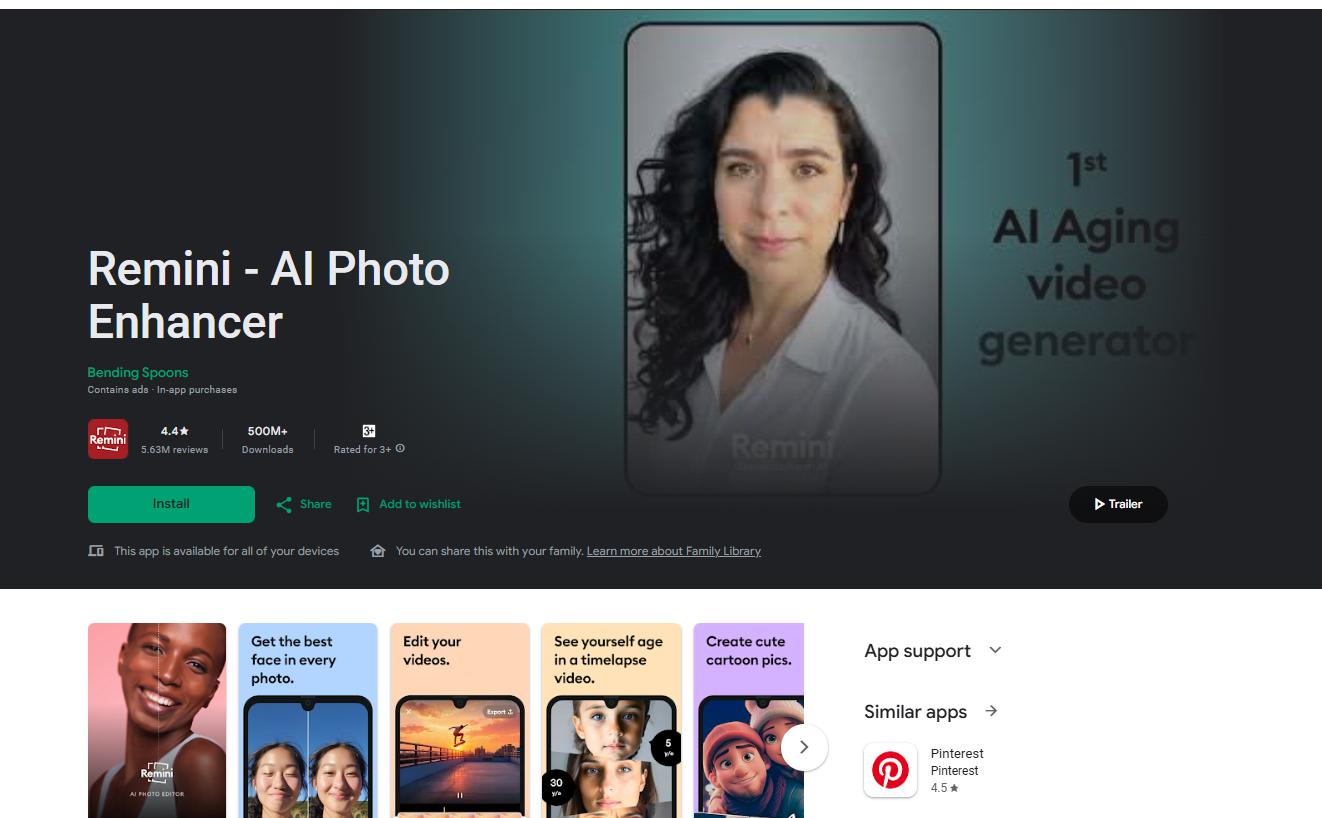
Remini is widely recognized as one of the most powerful tools for restoring human details in videos. It originally gained popularity as a photo restoration app, but its video mode is now a favorite for Android users. It uses deep learning models that can identify and restore the facial features of your loved ones. If you have a video where the faces are blurry or out of focus, Remini is often the most effective tool for bringing those specific details back to life with incredible clarity.
Key Features of Remini:
-
Facial Enhancement Mode: Automatically detects every face in the frame and applies a dedicated restoration model.
-
Color Restoration to Improve Mood: Restores the natural vibrancy and skin tones that often get lost in poor indoor lighting.
-
Background Cleanup: This tool reduces visual clutter and noise in the areas surrounding the main subject.
Pros:
-
The facial reconstruction is world-class and often looks sharper than the original footage.
-
It is very fast for short social media clips and vertical videos.
-
The app receives frequent updates to improve its neural network models.
Cons:
-
The software can sometimes over-process the image, leading to a look that feels slightly artificial.
-
The free version is heavily restricted and requires the user to watch several advertisements.
3. Wink
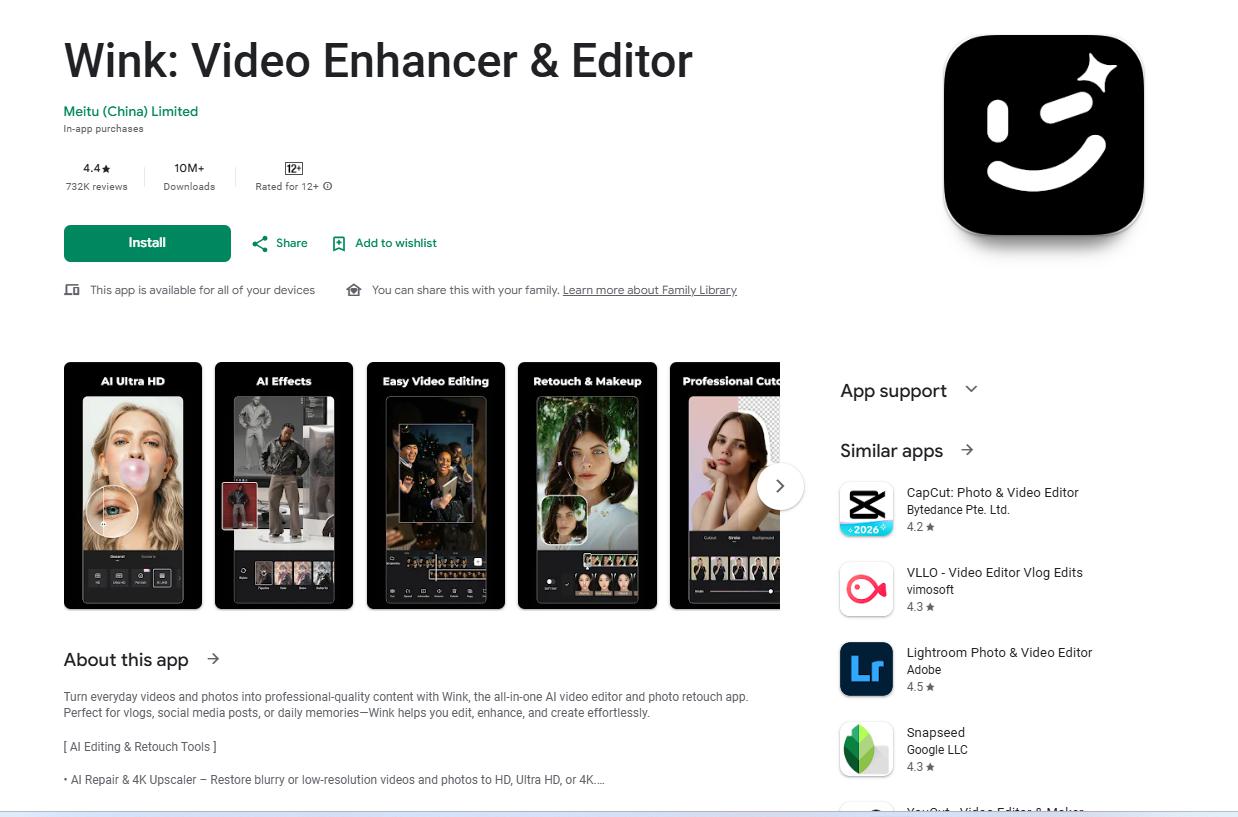
Wink is developed by the creators of Meitu and has become a staple for aesthetic creators and lifestyle influencers. It is much more than a simple upscaler. It is a comprehensive video retouching tool that allows you to fix resolution issues while also performing detailed color grading. If you want your Android footage to have a cinematic and polished feel, Wink offers some of the most stylized enhancement options currently available on the Play Store.
Key Features of Wink:
-
HD Mode for High Quality Content: A dedicated engine that targets 4K output with a focus on color accuracy and vibrance.
-
Polish Videos with Last-Minute Touch Ups: This allows for frame-by-frame adjustments to the subject’s appearance and the lighting.
-
Night Scene Enhancement: Specifically designed to salvage videos that were shot in near total darkness or high contrast settings.
Pros:
-
It provides a very polished and professional look that is perfect for Instagram or TikTok.
-
The rendering engine is surprisingly efficient even on mid-range Android devices.
-
It offers a wide range of free tools for making basic quality improvements.
Cons:
-
The menu system can be a bit overwhelming because there are so many different sub-tools and options.
-
Many of the most powerful cinematic features are locked behind a premium monthly subscription.
4. YouCam Video
YouCam Video is an excellent option for creators who primarily focus on portrait-style videos. It combines high-level resolution boosting with subtle aesthetic improvements. It is optimized for vertical clips where a person is the main focus of the shot. The software does a great job of isolating the subject and ensuring they remain sharp while the background is smoothly handled. It is a favorite for beauty vloggers and anyone who does a lot of talking head content.
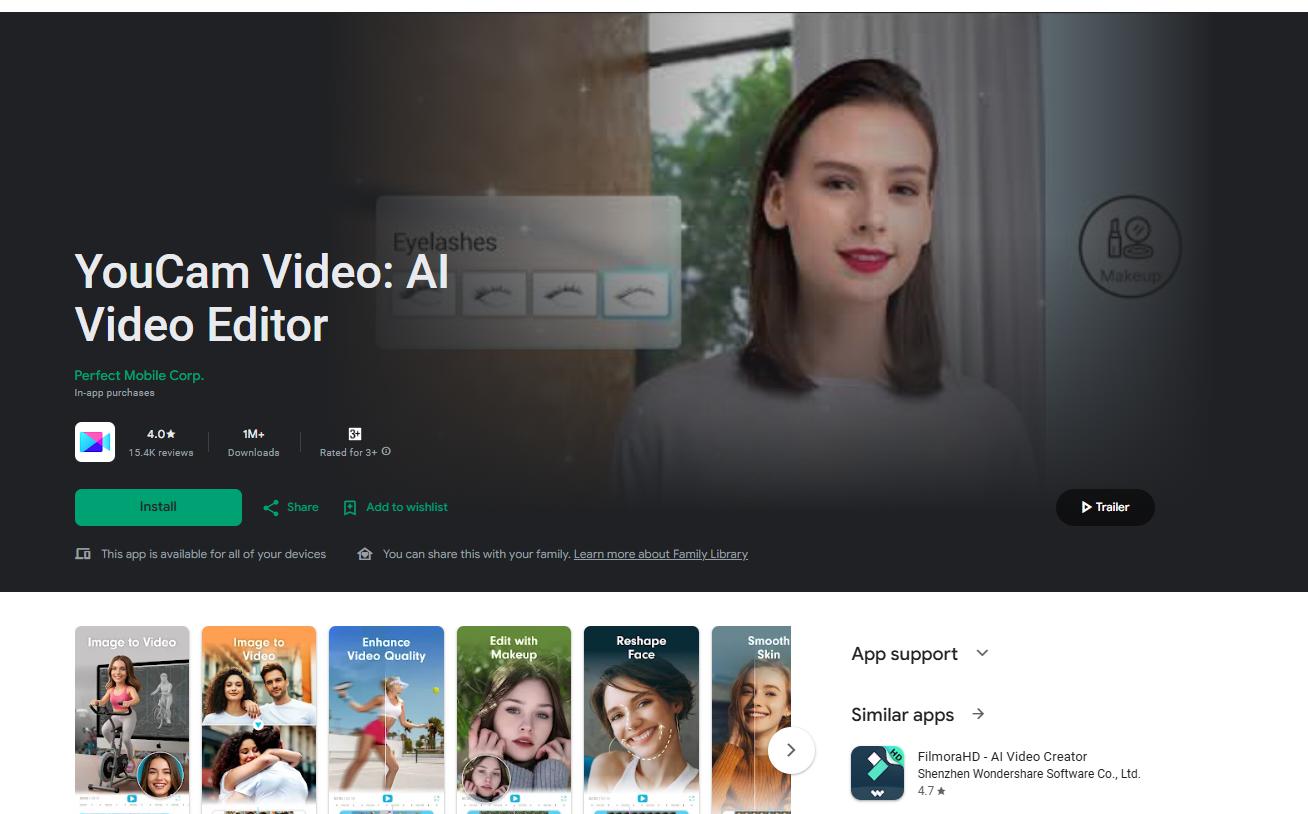
Key Features of YouCam:
-
Instant 4K Upscale: Instantly upscales your low-quality footage up to 4k.
-
AI Color Recovery: This feature is able to restore your natural skin tones that often appear washed out in fluorescent lighting.
-
Background Blur: It helps you create a professional depth of field effect that looks the same as high-end camera lenses.
Pros:
-
It is very easy to use for people who are not familiar with professional video editing terms.
-
The “Instant Fix” feature is great for making quick social media updates on the go.
-
Very effective at managing exposure and highlights in videos that were over-brightened.
Cons:
5. CapCut
CapCut is the most popular video editor for Android for a good reason. While it is primarily used for cutting clips and adding music, its built-in enhancement tools are surprisingly effective. For many user,s having these tools integrated directly into their main editor is more convenient than using a specialized standalone app. If you are already editing your YouTube Shorts or Reels in CapCut, its quality-boosting features can provide that final layer of polish needed to stand out.
Key Features of CapCut:
-
Enhance Image Quality Toggle: A simple switch that attempts to sharpen edges and clear up pixelation in one go.
-
Noise Reduction for Crisp Voice: A slider-based tool that allows you to remove grain without losing too much essential detail.
-
Export Videos in HD: Export a video in a 4K resolution, regardless of the quality you originally uploaded.
Pros:
-
The workflow is easy to follow, but you might need to import and export from one app to another.
-
It is highly optimized for almost all modern Android hardware and processors.
Cons:
Final Thoughts in Choosing Your Android Enhancer
The tool that you choose for your Android device depends entirely on the specific problem you are trying to solve. This list contains all the information that can help you understand which product may suit your needs. However, if you want to focus on the value of your money and a one-stop solution for your needs, Vmake is a good choice.